

Free Click to Chat Button for Website
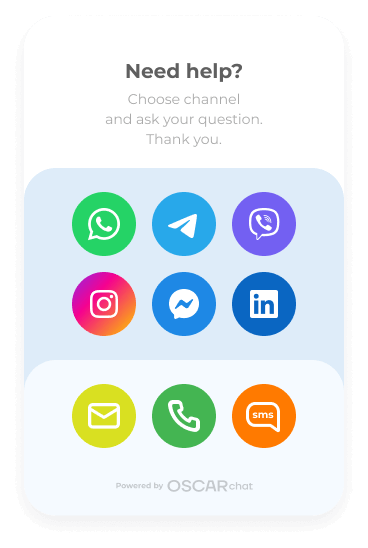
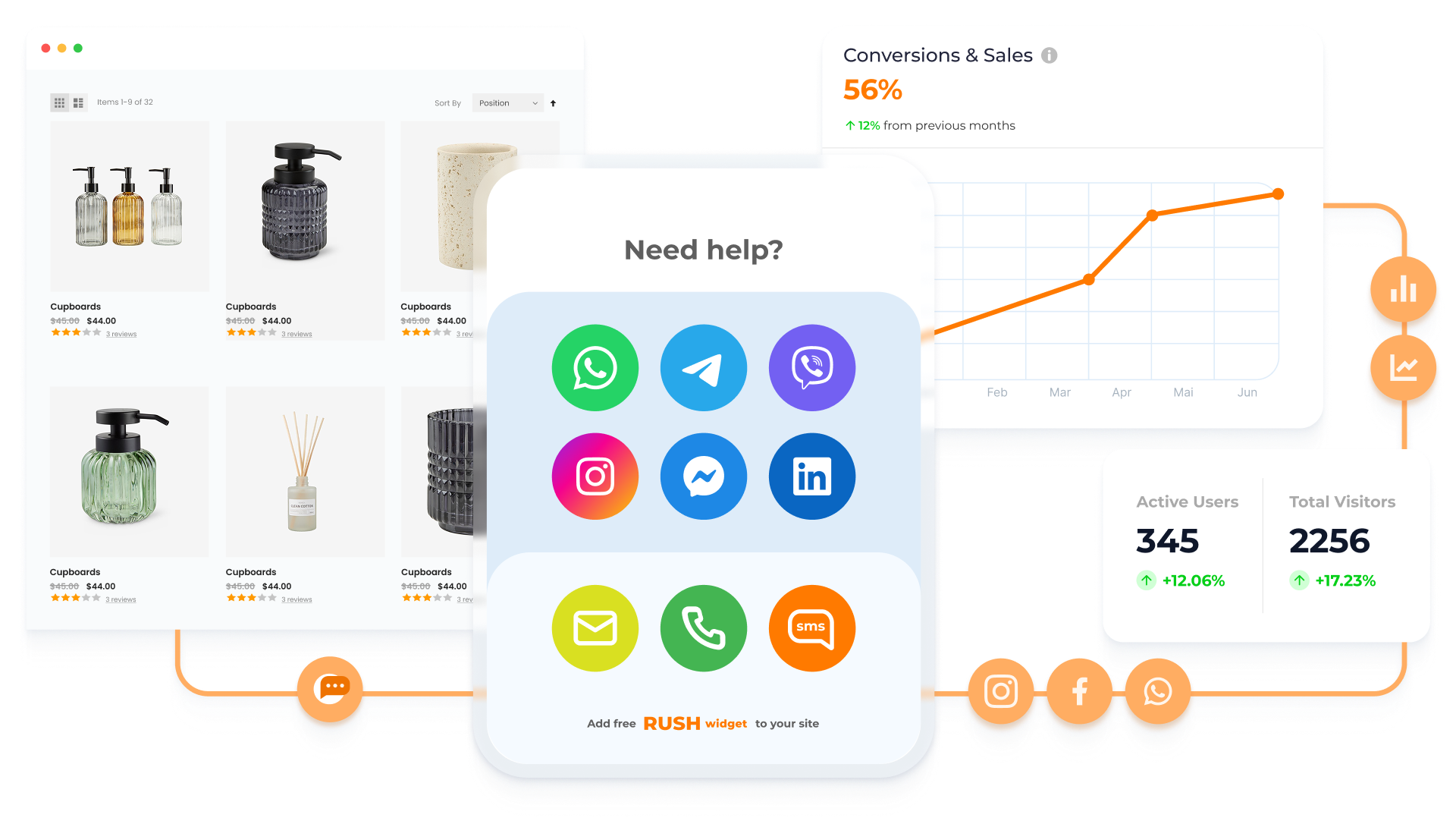
The Click to Chat Widget by Oscar Chat connects all your favorite messaging apps—WhatsApp, Messenger, Telegram, and Email—into one simple, conversion-driven button.
Engage Instantly with the Click to Chat Widget
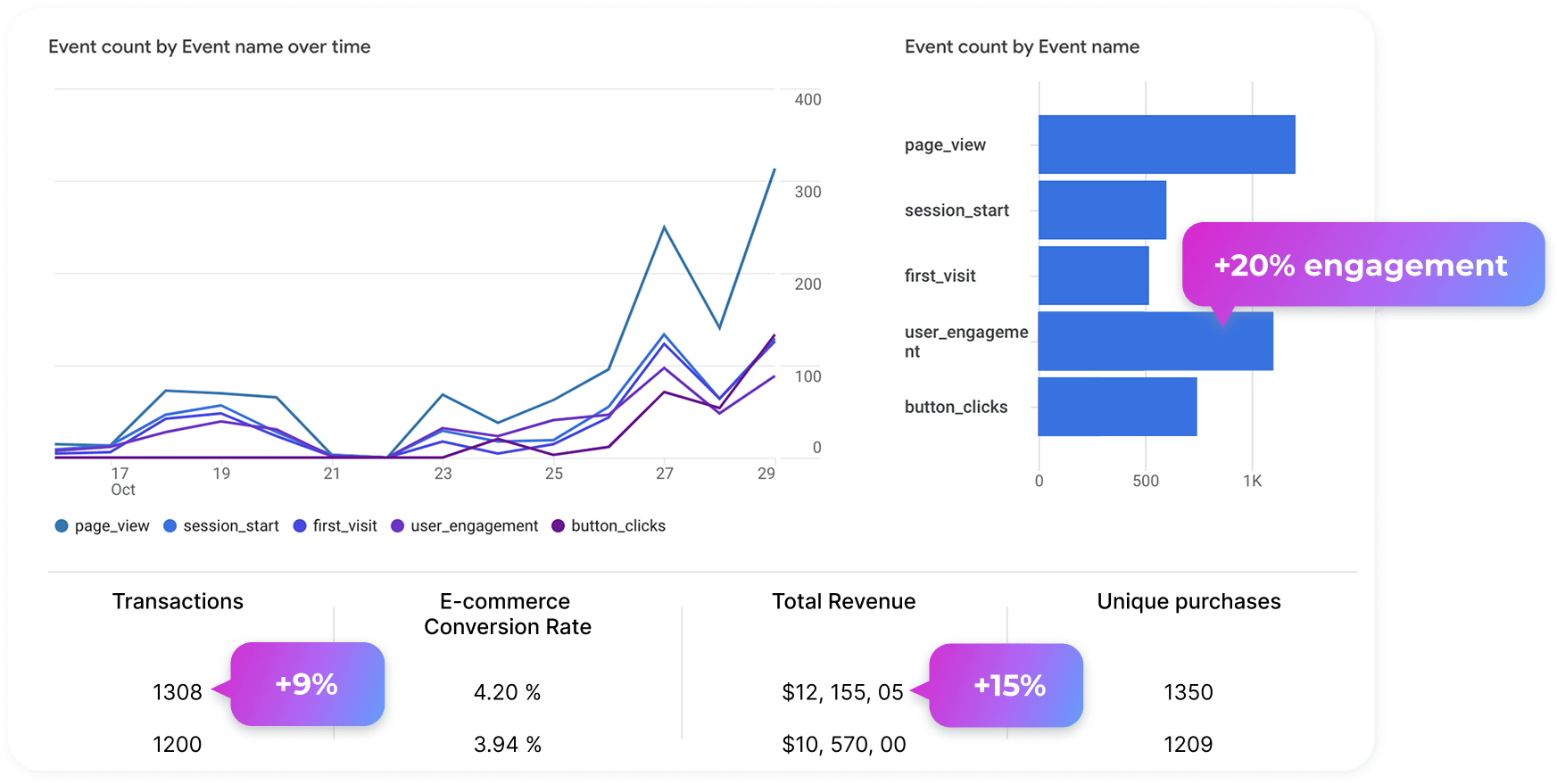
Up to 90%
more visitor-to-chat conversions
Over 95%
qualified lead capture and routing
Click to Chat that Works Everywhere
Open any chat app directly—WhatsApp, Messenger, Telegram, or Email—with a pre-filled message so visitors start conversations faster.
Built for Action—not Just Chat
Our tool doesn’t just connect users; it drives measurable results—boosting conversions, qualifying leads, and routing inquiries automatically.
Instant setup—no developer needed
Copy, paste, and go live. The widget launches in minutes, giving your website instant communication power.
Click to Chat that Works Everywhere
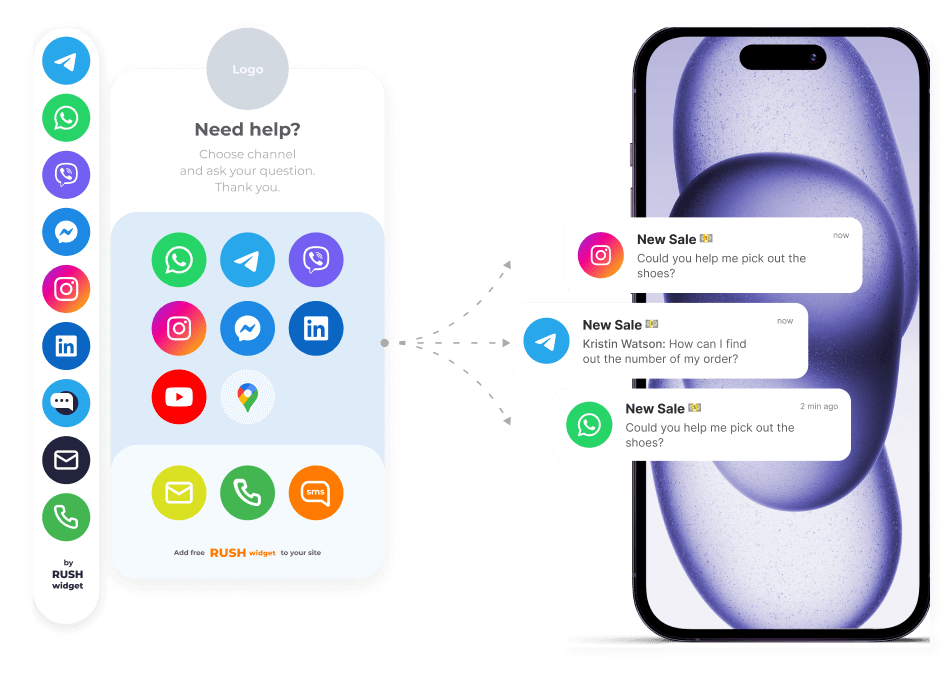
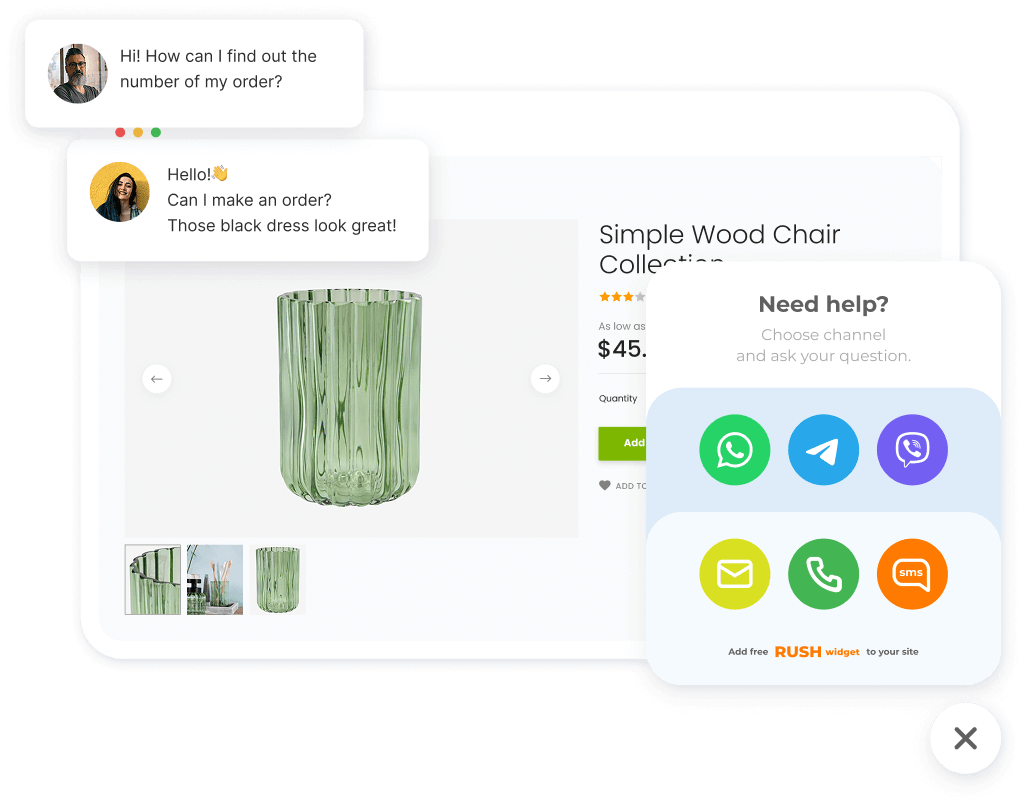
Open any chat app directly—WhatsApp, Messenger, Telegram, or Email—with a pre-filled message so visitors start conversations faster.
Built for Action—not Just Chat
Our tool doesn’t just connect users; it drives measurable results—boosting conversions, qualifying leads, and routing inquiries automatically.
Instant setup—no developer needed
Copy, paste, and go live. The widget launches in minutes, giving your website instant communication power.
Every visitor counts. Turn casual scrolls into meaningful conversations and warm leads—all from a single button. The Oscar Chat Widget helps you engage, capture, and convert on autopilot.
Unlock Sales Potential with Click to Chat Button
How the Click to Chat Widget Works
Add Your Channels
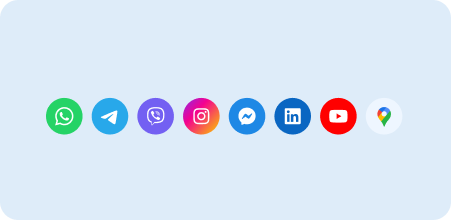
Link your WhatsApp, Messenger, Telegram, or Email account.
Install One Snippet
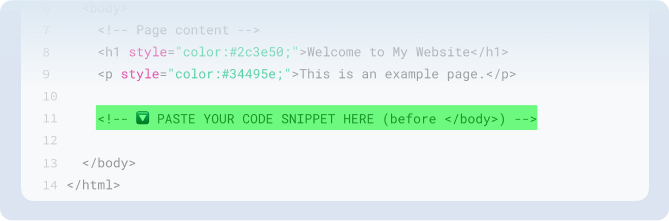
Paste the code before the closing tag or in your site footer. Publish and you’re live.
Customize the Experience
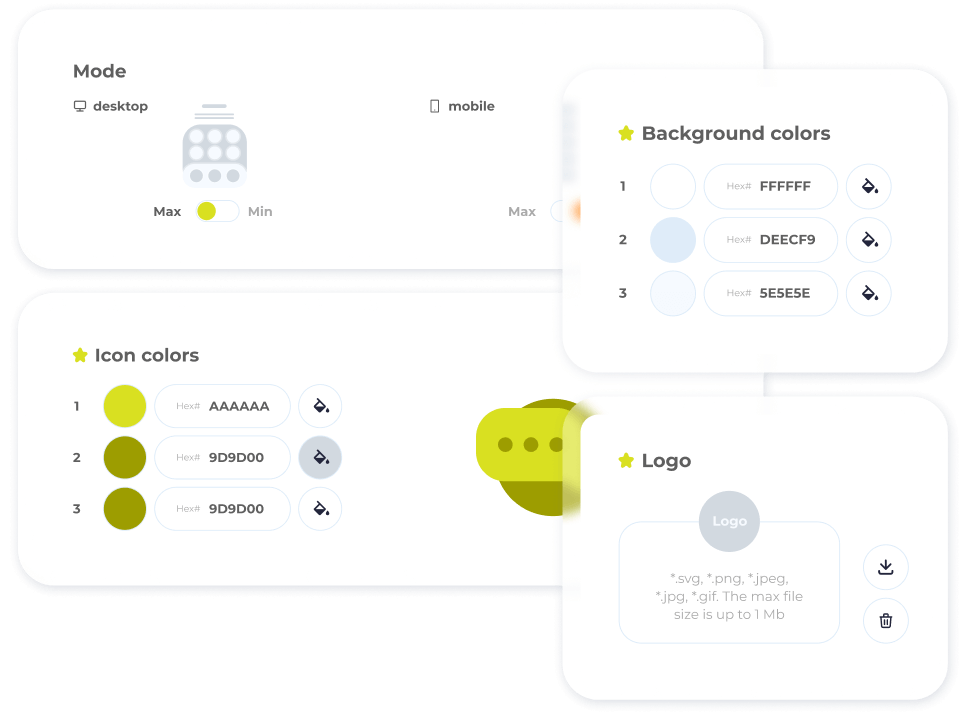
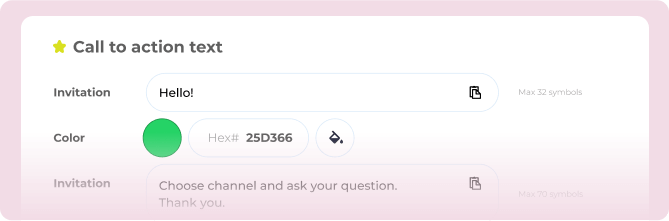
Choose icon, position, colors, greetings, display rules, and languages to match your brand.
Capture and Route
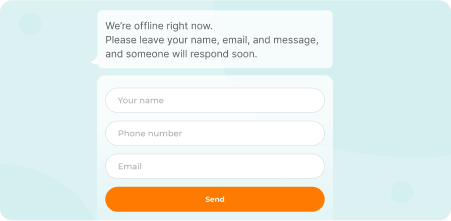
Visitors click to start chatting in their preferred app. If you’re offline, the widget automatically shows a contact form and routes the request to your inbox.
Start Using Click to Chat Widget Now!
No credit card required—just plug it in and start chatting.
Stop losing warm traffic to silence.
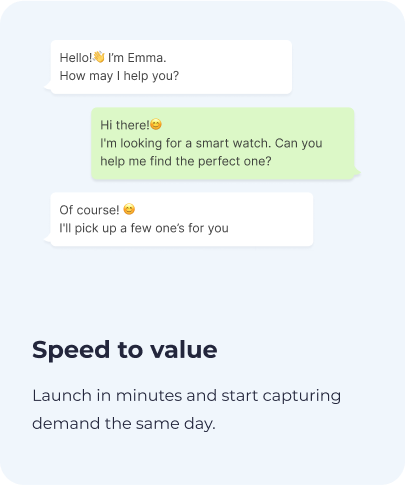
Turn product questions into real-time conversations in under 10 seconds.
Why Choose Our Click to Chat Button

FAQ – Click to Chat Widget
How does Click to Chat work?

It creates a direct link between your site visitors and your chat apps. When a user clicks the button, it opens their preferred messaging platform with a pre-filled message ready to send.
How do I add the Click to Chat widget to my website?
Simply copy the Oscar Chat code snippet and paste it into your website footer or before the closing body tag. Publish, and your chat button goes live instantly.
Can I connect multiple messaging channels?
Yes! You can connect WhatsApp, Facebook Messenger, Telegram, and even Email—all under one unified button.
Can I pre-fill the first message?
Absolutely. You can customize the greeting or first message users see when they open the chat.
Does it work on both desktop and mobile?
Yes. The widget automatically adapts to devices and opens the right app or web chat version.
Do I need a developer to install it?
No developer needed. Setup takes less than two minutes with Oscar Chat’s ready-to-copy snippet.
Start Using Click to Chat Button for Free
Try Oscar Chat’s Click to Chat widget with a 7-day free trial. No credit card required. Start today and turn visitors into conversations.