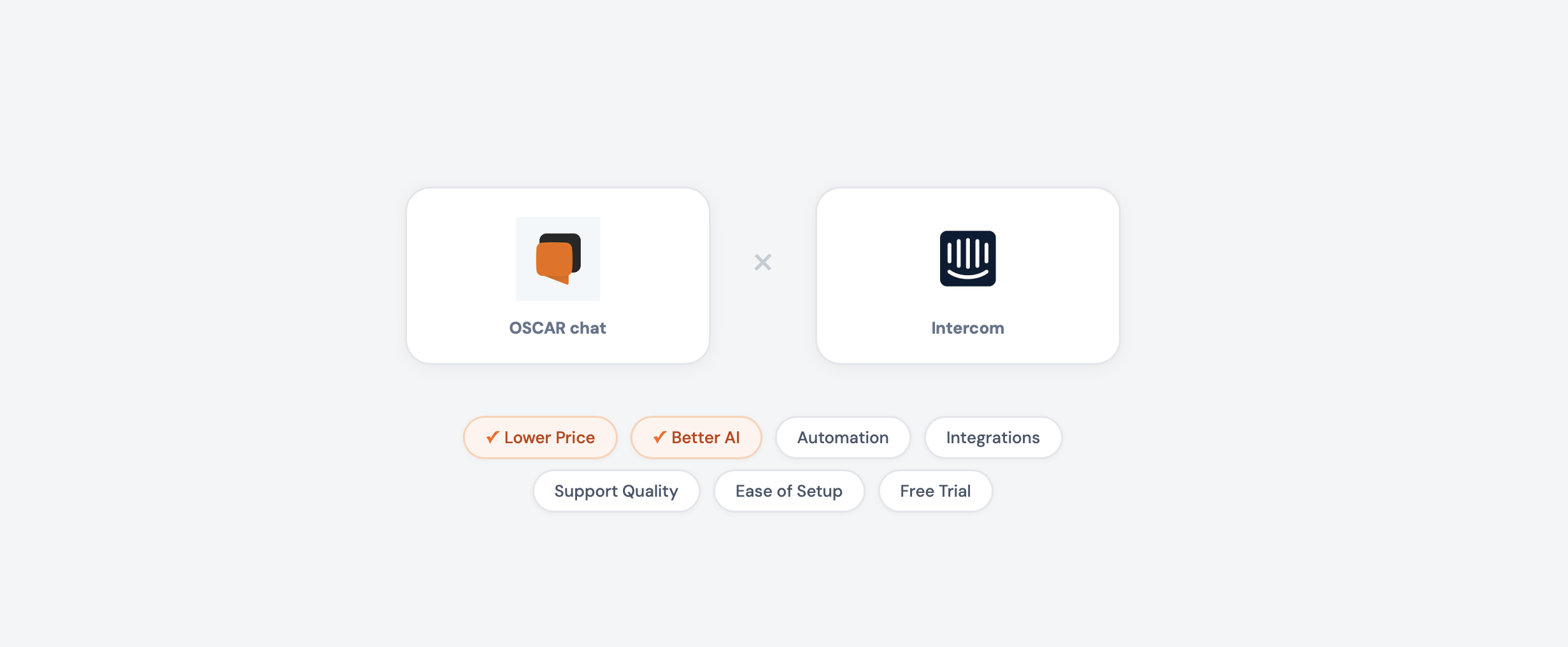
If you’re a business owner looking at Intercom and feeling that sticker shock, you’re not alone. Intercom is a fantastic product — for VC-funded startups and enterprise companies with big budgets. But if you’re running a real business where every dollar matters, you need to ask: am I paying for features I’ll actually use?
Let’s break it down honestly.
Who Is Oscar Chat For?
Oscar Chat is for people who run businesses — not IT departments.
You’ll love Oscar Chat if:
- You own a small or mid-sized business — online store, restaurant, real estate agency, clinic, consulting firm
- You want to convert website visitors into customers and leads — not just manage support tickets
- You need AI chatbot + live chat + popups + forms + messenger buttons in one place
- You don’t have a developer on staff (and don’t want to hire one just to set up a chat widget)
- You want to go live in 15 minutes, not after a 3-week onboarding process
- You sell to international customers and need 50+ language support
- You’re on Shopify and want a native integration
Oscar Chat is built for teams of 1–50 people who want results fast, without complexity.
Who Is Intercom For?
Intercom is a customer communications platform built for tech companies and larger organizations.
Intercom makes sense if:
- You’re a SaaS company with a product that needs in-app messaging
- You have dedicated support and success teams (10+ agents)
- You need product tours, in-app guides, and onboarding flows
- You want a help center + ticketing system tightly integrated with chat
- You have budget for $50–$200+ per seat per month plus usage-based AI costs
- You need advanced automations with complex workflow builders
- Your customers are mostly other businesses (B2B)
If you’re thinking “I just need to chat with visitors, answer questions with AI, and capture leads” — Intercom is overkill. That’s Oscar Chat’s sweet spot.
Pricing: The Math That Matters
Let’s talk money first — because this is where the difference hits hardest.
| Team Size | Oscar Chat Pro (annual) | Intercom Advanced | You Save with Oscar Chat |
|---|---|---|---|
| 1 person | $55/mo | $85/mo + AI costs | $360+/year |
| 3 people | $55/mo | $255/mo + AI costs | $2,400+/year |
| 5 people | $55/mo | $425/mo + AI costs | $4,440+/year |
| 10 people | $55/mo | $850/mo + AI costs | $9,540+/year |
Oscar Chat doesn’t charge per seat. Your whole team — up to 10 users on Pro — for one flat price.
And here’s the kicker: Intercom’s AI (Fin) costs $0.99 per resolved conversation on top of those seat fees. If Fin handles 500 conversations/month, add $495/month. 1,000 conversations? Add $990/month. Oscar Chat’s AI is included in the subscription — extra messages cost just $2.40 per 1,000.
Feature-by-Feature Comparison
| Feature | Oscar Chat (from $33/mo) | Intercom (from $29/seat/mo) |
|---|---|---|
| AI Chatbot | ✅ Included in plan | ⚠️ $0.99 per resolution extra |
| Live Chat | ✅ Unlimited, flat price | ✅ Per-seat pricing |
| Popup Builder | ✅ Built-in | ❌ Not available |
| Form Builder | ✅ Built-in | ⚠️ Basic surveys only |
| All-in-One Messenger Button | ✅ Built-in | ❌ Not available |
| 50+ Language AI | ✅ Auto-detect | ✅ Multi-language |
| Shopify Integration | ✅ Native | ⚠️ Via integration |
| File Upload for AI Training | ✅ PDF, CSV, TXT, DOCX | ❌ Help center articles only |
| Product Tours | ❌ | ✅ (usage-based pricing) |
| In-App Messaging | ❌ | ✅ Core feature |
| Email Campaigns | ❌ | ✅ Built-in |
| Help Center | ❌ | ✅ Built-in |
| Ticketing System | ❌ | ✅ Built-in |
| Phone Support | ❌ | ✅ (usage-based) |
| API Access | ✅ | ✅ |
The takeaway: Intercom is a full customer communications suite for SaaS companies. Oscar Chat gives you everything a website-based business needs to convert visitors — at a fraction of the price, with features Intercom doesn’t even offer.
Oscar Chat Plans at a Glance
| Lite (Free) | Basic ($33/mo) | Pro ($55/mo) | |
|---|---|---|---|
| Users | 1 | 5 | 10 |
| AI Chatbot | ❌ | 1 bot, 3,000 msgs/mo | 10 bots, 5,000 msgs/mo |
| Live Chat | ✅ | ✅ Unlimited | ✅ Unlimited |
| Popup Widgets | 1 | 3 | Unlimited |
| Form Widgets | 1 | 3 | Unlimited |
| All-in-One Button | ✅ | ✅ | ✅ |
| Workspaces | 1 | 1 | 10 |
| API | ❌ | ✅ | ✅ |
Even the free Lite plan gives you live chat, a popup, a form, and the All-in-One Button. Start capturing leads today without spending a dollar.
How Oscar Chat Drives Sales (Not Just Support)
Here’s what makes Oscar Chat fundamentally different from Intercom: Oscar Chat is a sales and conversion tool first.
Intercom was built to help software companies communicate with existing users. Oscar Chat was built to turn strangers into customers on any website.
AI Agent That Sells for You 24/7
Oscar Chat’s AI chatbot works around the clock as your smartest sales rep:
- Greets every visitor with a personalized message — nobody leaves ignored
- Answers product questions instantly — pricing, specs, availability, shipping
- Recommends products based on what the visitor is browsing
- Handles objections — “is this the right size?”, “what’s your return policy?”, “do you ship to Germany?”
- Books appointments — viewings, consultations, reservations
- Captures leads — collects emails and phone numbers during natural conversation
- Speaks 50+ languages — auto-detects and responds in the visitor’s language
Training it takes minutes: upload your PDFs, product catalogs, FAQs, CSV files, or Word documents. The AI learns your business and represents you accurately.
Popup Builder — Catch Visitors Before They Leave
Oscar Chat includes a full popup builder. Intercom doesn’t.
- Exit-intent popups — trigger when a visitor moves to close the tab
- Welcome popups — greet new visitors with a discount or offer
- Timed popups — appear after X seconds of browsing
- Scroll-triggered popups — show when someone engages deeply
- Custom targeting — different popups per page, device, or behavior
Without this, Intercom users buy separate tools like OptinMonster or Privy ($30–100/month extra). With Oscar Chat, it’s built in.
Form Builder for Lead Capture
Create forms that feed directly into your Oscar Chat dashboard:
- Contact and inquiry forms
- Quote request forms
- Appointment booking forms
- Newsletter signups
- Custom survey and feedback forms
No third-party form tools needed. Every submission is tracked alongside your chat conversations.
All-in-One Messenger Button
One of Oscar Chat’s most practical features: a single floating button that opens a menu with all your communication channels:
- WhatsApp, Telegram, Facebook Messenger, Instagram, Viber
- Email, phone, live chat
Your visitors pick how they want to reach you. One clean widget instead of 6 separate icons cluttering your site. Takes 2 minutes to configure.
Live Chat Without Per-Seat Fees
Live chat on Oscar Chat means:
- Unlimited messages on all plans
- No per-agent/per-seat pricing — your whole team chats for one flat price
- Seamless handoff from AI to human
- File sharing, typing indicators, chat history
- Mobile app for responding on the go
- Operating hours — AI covers you when the team is offline
Anyone Can Set It Up — No Developer Needed
This matters more than you think.
Intercom setup reality:
- Choose a plan, figure out seat types (Full, Lite, Viewer)
- Install the Messenger on your site (requires some technical understanding)
- Configure workflows, bots, and automations in a complex visual builder
- Build help center articles before AI works well
- Plan for 1–3 weeks of onboarding to use it properly
- Many businesses hire Intercom consultants for setup
Oscar Chat setup reality:
- Sign up → paste one code snippet → your chat is live
- Upload documents → AI chatbot is trained and ready
- Pick a popup template → customize → publish
- Toggle messenger channels → All-in-One Button appears
- Total: 10–15 minutes. If you can send an email, you can do this.
Every new Oscar Chat account gets a 7-day Pro trial with every feature unlocked. No credit card required, no sales call.
The Bottom Line
Choose Oscar Chat if you run a website-based business and want to convert more visitors into customers. You get AI chatbot, live chat, popup builder, form builder, and the All-in-One Button — all for one flat price that won’t grow as your team grows.
Choose Intercom if you’re a SaaS company that needs in-app messaging, product tours, and a full customer communications platform — and you have the budget for per-seat pricing plus usage-based AI costs.
For most SMBs — e-commerce stores, service businesses, restaurants, agencies, clinics — Oscar Chat delivers dramatically more value per dollar. You get tools Intercom doesn’t even offer (popups, forms, All-in-One Button), and you keep thousands in your pocket every year.
Frequently Asked Questions
1. Is Oscar Chat a good alternative to Intercom?
Yes, especially for small and mid-sized businesses. Oscar Chat combines AI chatbot, live chat, popup builder, form builder, and All-in-One messenger button starting at $33/month flat. For businesses focused on website conversions and lead capture rather than SaaS in-app messaging, Oscar Chat is a smarter investment.
2. How much does Intercom cost compared to Oscar Chat?
Intercom starts at $29/seat/month (Essential) and goes up to $132/seat/month (Expert), plus $0.99 per AI-resolved conversation. A 5-person team on Intercom Advanced costs $425/month before AI fees. Oscar Chat Pro costs $55/month flat for up to 10 users with AI included.
3. Does Oscar Chat have AI like Intercom’s Fin?
Yes. Oscar Chat’s AI chatbot answers questions 24/7 in 50+ languages, trained on your own documents. The key difference is pricing: Oscar Chat includes AI in the subscription (3,000–5,000 messages/month). Intercom’s Fin charges $0.99 per resolved conversation — costs that add up fast at scale.
4. What features does Oscar Chat have that Intercom doesn’t?
Oscar Chat includes a popup builder (exit-intent, welcome, timed popups), a form builder for lead capture, and an All-in-One messenger button that combines WhatsApp, Telegram, Messenger, Instagram, Viber, email, and phone in one widget. Intercom doesn’t offer any of these.
5. Does Intercom have a popup builder?
No. Intercom focuses on in-app messaging, help center, and customer communications for SaaS products. For lead capture popups, Intercom users need third-party tools like OptinMonster or Privy, adding $30–100/month to their costs.
6. Can non-technical people set up Oscar Chat?
Absolutely. Oscar Chat was designed for business owners without technical backgrounds. Sign up, paste one code snippet on your site, upload your documents to train the AI — you’re live in 15 minutes. Intercom’s setup is more complex and often requires technical knowledge or paid onboarding.
7. Does Oscar Chat work with Shopify?
Yes. Oscar Chat has a native Shopify integration — install directly from the Shopify App Store. The AI chatbot handles product questions, order inquiries, and recommendations. It’s purpose-built for e-commerce.
8. What is the All-in-One Button?
It’s a single floating widget on your website that shows all your messaging channels — WhatsApp, Telegram, Messenger, Instagram, Viber, email, phone, and live chat. Visitors choose how to reach you. One button, every channel, zero clutter.
9. Is there a free plan for Oscar Chat?
Yes. The Lite plan is free forever and includes live chat, 1 popup widget, 1 form widget, and the All-in-One Button for 1 user. Every new account also gets a 7-day Pro trial with all features. Intercom has no free plan — only a 14-day trial.
10. Can Oscar Chat replace Intercom for customer support?
For website-based customer support, yes. Oscar Chat’s AI chatbot and live chat handle visitor questions effectively. However, if you need in-app messaging, product tours, email campaigns, or a built-in help center (common for SaaS companies), Intercom remains the better choice for those specific use cases.