
The live chat greeting formula
The best greetings usually combine three parts: context, permission, and a useful next step. Instead of saying “How can we help?”, say what kind of help is available on that page.
| Page type | Weak greeting | Better greeting |
|---|---|---|
| Product page | Hi, need help? | Need help choosing the right size or option? |
| Pricing page | Have questions? | Want help choosing the right plan? |
| Cart page | Chat with us | Question about shipping, returns, or checkout? |
| Blog post | Talk to sales | Want to apply this to your website? Ask us. |
25 live chat greeting examples
Ecommerce greetings
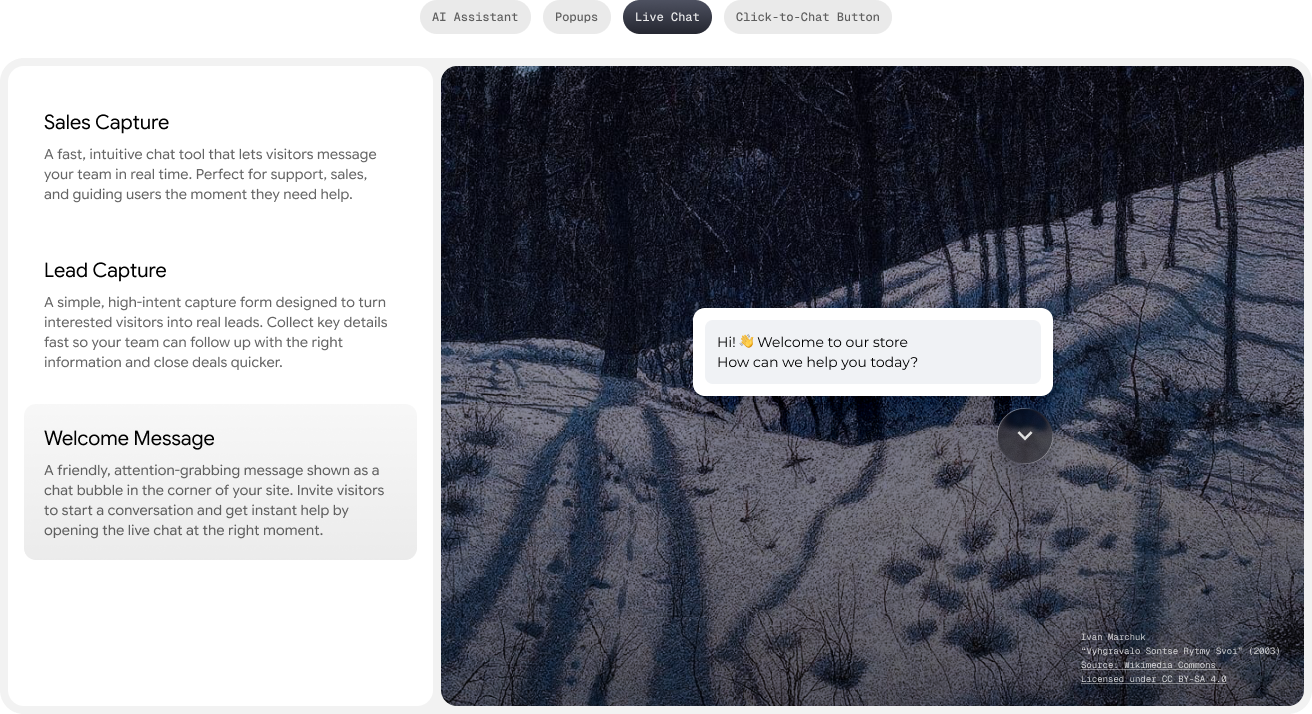
- Need help choosing the right product?
- Question about sizing, delivery, or returns?
- Not sure which option fits? Ask us before you order.
- Want a recommendation based on your use case?
- Need help before checkout?
SaaS and pricing page greetings
- Want help choosing the right plan?
- Ask a question before you start your trial.
- Need to compare features before signing up?
- Tell us your team size and we will point you to the right setup.
- Have a question about setup, integrations, or pricing?
Service business greetings
- Need a quote or availability check?
- Tell us what you need and we will guide you.
- Want to know if we serve your area?
- Need help booking the right service?
- Ask a question before you request a callback.
Support greetings
- Need help with an order or account?
- Tell us what happened and we will route you.
- Looking for setup help? Start here.
- Need a human? Send the issue and we will hand it off.
- Ask a quick question. We may answer instantly.
How to match greetings to visitor intent
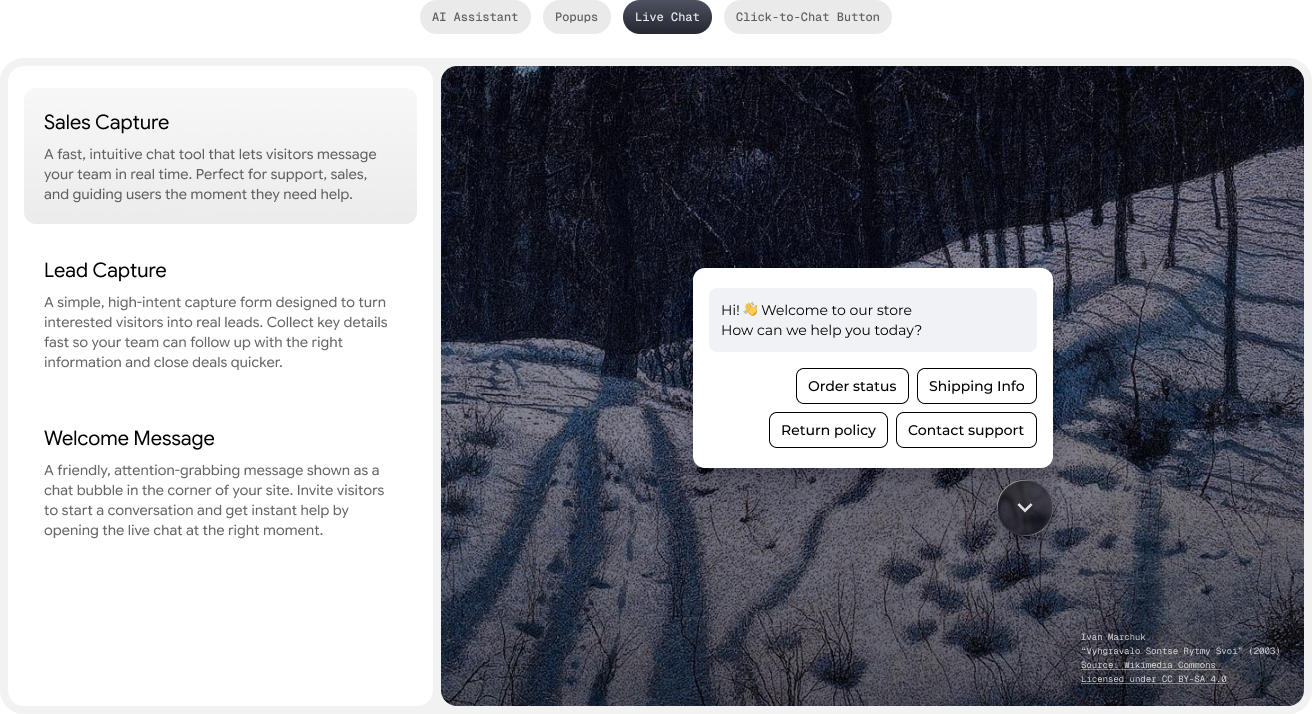
A greeting should not be a generic welcome mat. It should reduce the visitor’s next decision. If someone is on a pricing page, the greeting should help them choose. If someone is reading a guide, the greeting should offer implementation help.
| Intent signal | Greeting angle | Routing rule |
|---|---|---|
| Visitor on pricing page | Plan selection and setup questions | AI answer first, hand off high-value questions |
| Visitor on product page | Product fit, delivery, return policy | Suggest products or route to support |
| Visitor on FAQ page | Resolve support issue quickly | Use AI answer and collect issue details |
| Visitor on blog post | Apply the advice | Offer signup, guide, or chat follow-up |

7-Day Pro Trial
for Every New Account
For your first 7 days, you are automatically on the Pro plan.
Mistakes to avoid
- Opening too fast: wait until the visitor has had time to understand the page.
- Using one greeting everywhere: page-specific greetings almost always feel more relevant.
- Asking vague questions: “Need help?” is weaker than naming the exact help available.
- Blocking mobile actions: never let the greeting cover checkout, sticky CTAs, or forms.
How Oscar Chat makes greetings more useful
A greeting is only the first step. Oscar Chat can answer the next question, collect context, route the visitor, and hand off to a person when needed. That makes the greeting part of a workflow, not just a line of copy.
For more related ideas, see the guides on live chat greeting templates, free live chat software, and chat widgets for React and Next.js.
Get quick answers to common queries
-
What is a live chat greeting?
A live chat greeting is the first message a visitor sees before or after opening the chat widget.
-
What makes a good live chat greeting?
A good greeting is specific to the page, short enough to scan, and clear about what the visitor can ask.
-
Should every page use the same greeting?
No. Product pages, pricing pages, support pages, and blog posts should use different prompts because visitor intent is different.
-
How long should a live chat welcome message be?
Keep it to one short sentence or one question. Long greetings feel like popups, not help.
-
Can AI write live chat greetings?
AI can draft variants, but the best greetings come from real visitor questions and page intent.
-
Do proactive greetings hurt conversion?
They can if they interrupt too early or cover key actions. Use delay, scroll, or intent triggers instead of instant interruption.
-
Where should I put the CTA after a greeting?
Use the chat reply path first. If the visitor needs a bigger next step, route them to signup, pricing, booking, or a form.
-
How should I test live chat greetings?
Compare open rate, conversation rate, conversion after chat, and negative signals such as quick closes or rage clicks.