

Oscar Chat
WhatsApp Button for Websites:
Free Click-to-Chat Widget
A WhatsApp button lets customers start a chat with you instantly from your website. This click-to-chat widget works on desktop and mobile and helps businesses answer questions faster, collect leads, and increase conversions. Oscar Chat lets you add a WhatsApp button to your site with no code and manage all conversations in one place.


Engage On the Go with WhatsApp Click to Chat Button
Up to 90%
more visitor‑to‑chat conversions
Over 95%
qualified lead capture and routing
How the WhatsApp Live Chat Button Works
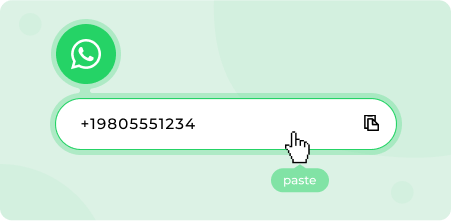
Add your number
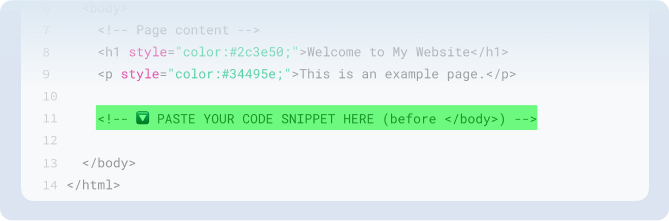
Paste the code before the closing body tag on your site. Publish and you are live.
Install one snippet
Paste the code in the footer section on your site.
Publish and you are live.
Customize the experience
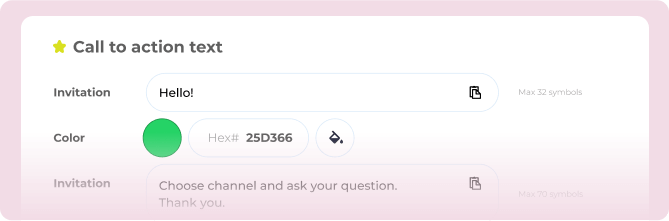
Choose icon, position, greeting, display rules, and language.
Capture and route
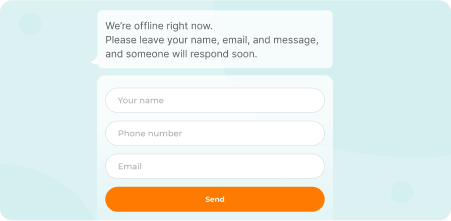
Visitors tap to chat in WhatsApp. If you are offline, the widget shows a contact form and routes the request.
Start using
WhatsApp Widget now!
Experience our full services with a complimentary 7-day trial. No credit card information is needed. Try it now!
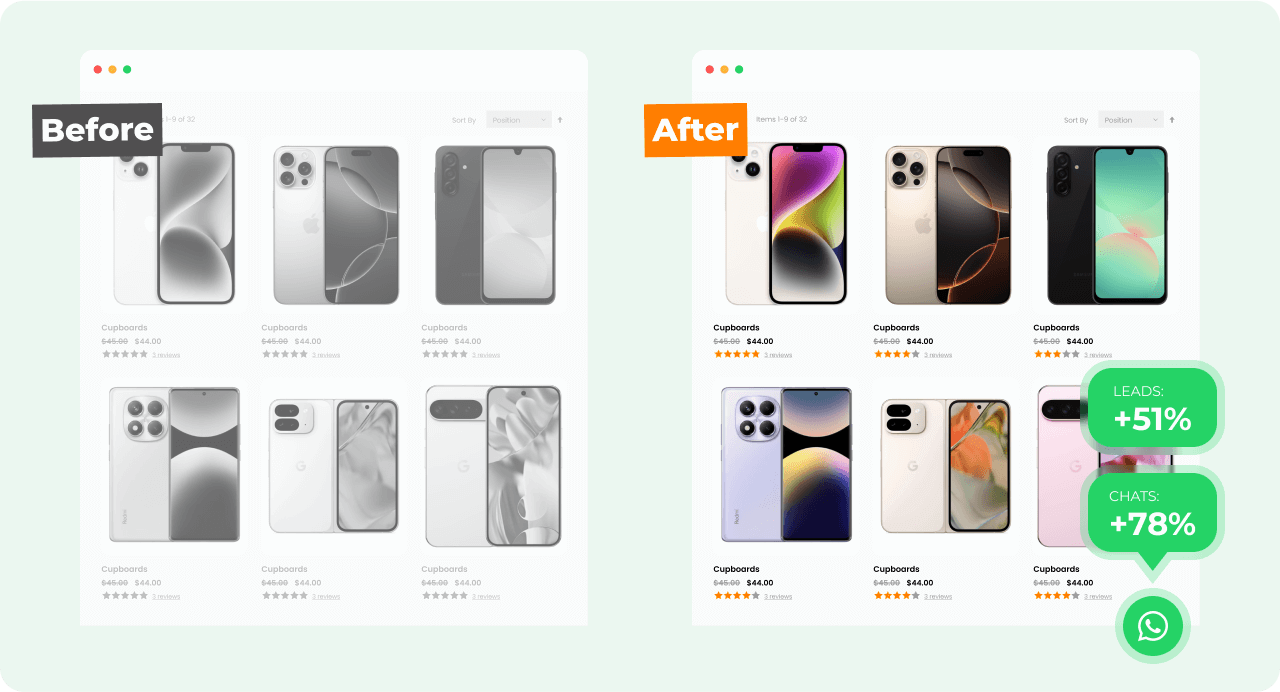
From Scrolls to Conversions with Whatsapp button
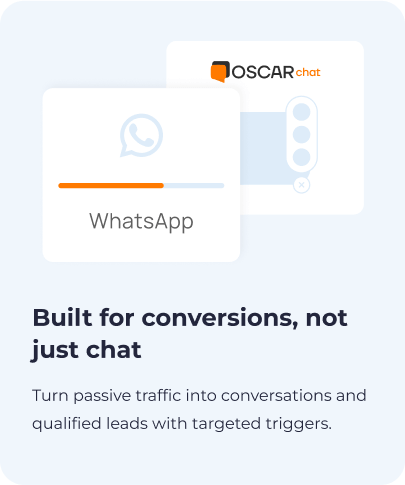
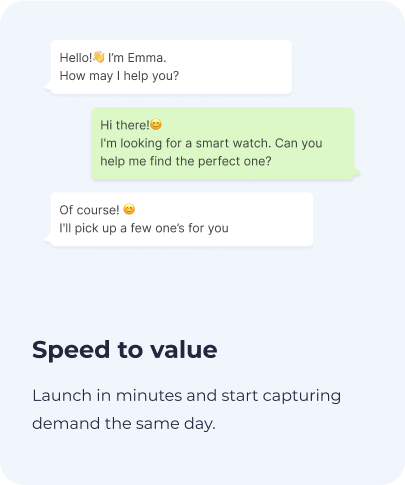
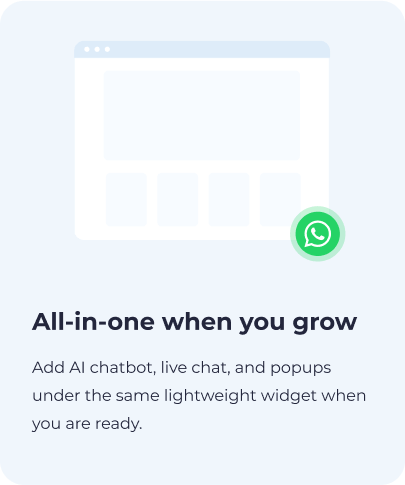
Why Choose Our WhatsApp Button
FAQ – WhatsApp Widget
How do I add a WhatsApp button to my website?

Create an Oscar Chat account, connect your WhatsApp number, customize the button, and paste the installation snippet into your site or tag manager. Once saved, the WhatsApp button appears on your pages and opens a chat in one tap.
Does the WhatsApp chat button work on mobile and desktop?
Yes. On desktop it opens WhatsApp Web or the desktop app. On mobile it opens the WhatsApp app directly so visitors can message you from their phone.
Can I customize the design of the chat button?
You can customize color, icon, position, greeting text, and which channels show when a visitor clicks the button. This makes the widget feel like a natural part of your site rather than a generic plugin.
Is the WhatsApp button free?
The WhatsApp button is included in every Oscar Chat workspace. There is no separate fee for the button itself, and plans start at €39 per month. This lets you avoid limits that are common with free live chat buttons and trial widgets.
Can I pre‑fill the first message for WhatsApp widget?
Yes. Use a pre‑filled message so visitors do not have to type. It helps start the conversation faster and improves response quality.
Do I need coding skills to install the widget?
No. You copy one script tag and paste it into your site or tag manager. All other settings, including your WhatsApp number and button design, are configured in a no-code dashboard.