
The basic phone number code pattern
A WhatsApp click-to-chat URL usually follows this shape: https://wa.me/15551234567?text=I%20need%20help%20with%20my%20order. The number should use international format and the message should be URL encoded.
| Element | Recommended setup | Why it matters |
|---|---|---|
| Phone number | International format, no spaces or plus sign in the link | Avoids broken mobile handoffs and country-code mistakes. |
| Button label | Need help choosing? Chat on WhatsApp | Sets shopper intent before the click. |
| Placement | Floating button plus optional inline CTA on product pages | Gives help without covering checkout actions. |
| Prefilled text | Mention product, order, sizing, shipping, or discount help | Reduces back-and-forth after the conversation starts. |
Where to place the widget on a Shopify store
Product pages, cart pages, and collection pages behave differently. A product page visitor may need sizing or delivery help. A cart visitor may need reassurance about payment, shipping, or returns. A collection page visitor may need product discovery.
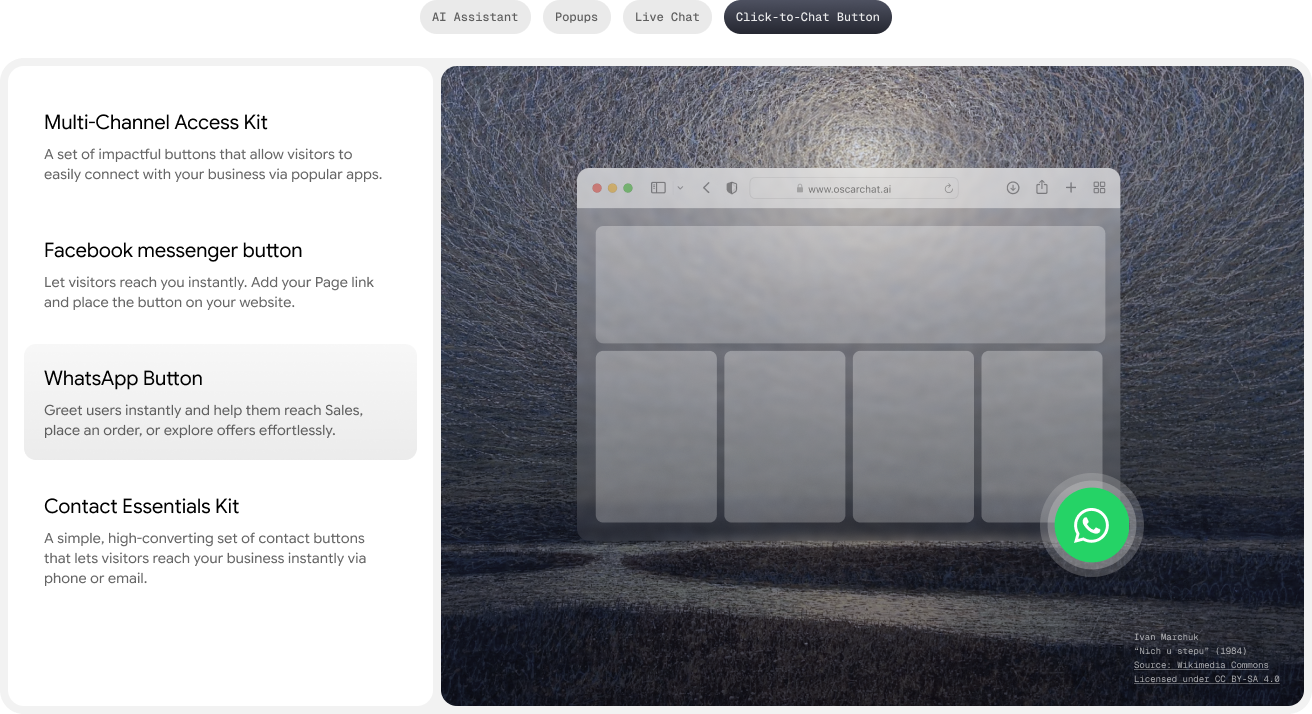
- Product pages: keep the floating button visible but away from the add-to-cart button and sticky buy bar.
- Cart pages: use a smaller button or inline support link so it never blocks checkout.
- Mobile: test the button with cookie banners, sticky navigation, and payment widgets.
- High-ticket products: add a stronger prompt such as “Ask before you buy” or “Get product help”.
When WhatsApp is not enough
WhatsApp is excellent when a shopper wants a direct human conversation. It is weaker when the store receives repeated questions that could be answered instantly. That is where an AI chatbot, live chat, and popup builder can support the same buying journey.
For example, Oscar Chat can answer product, shipping, return, and sizing questions before a human reply is needed. If the shopper still wants a person, the conversation can move to live chat or another channel.
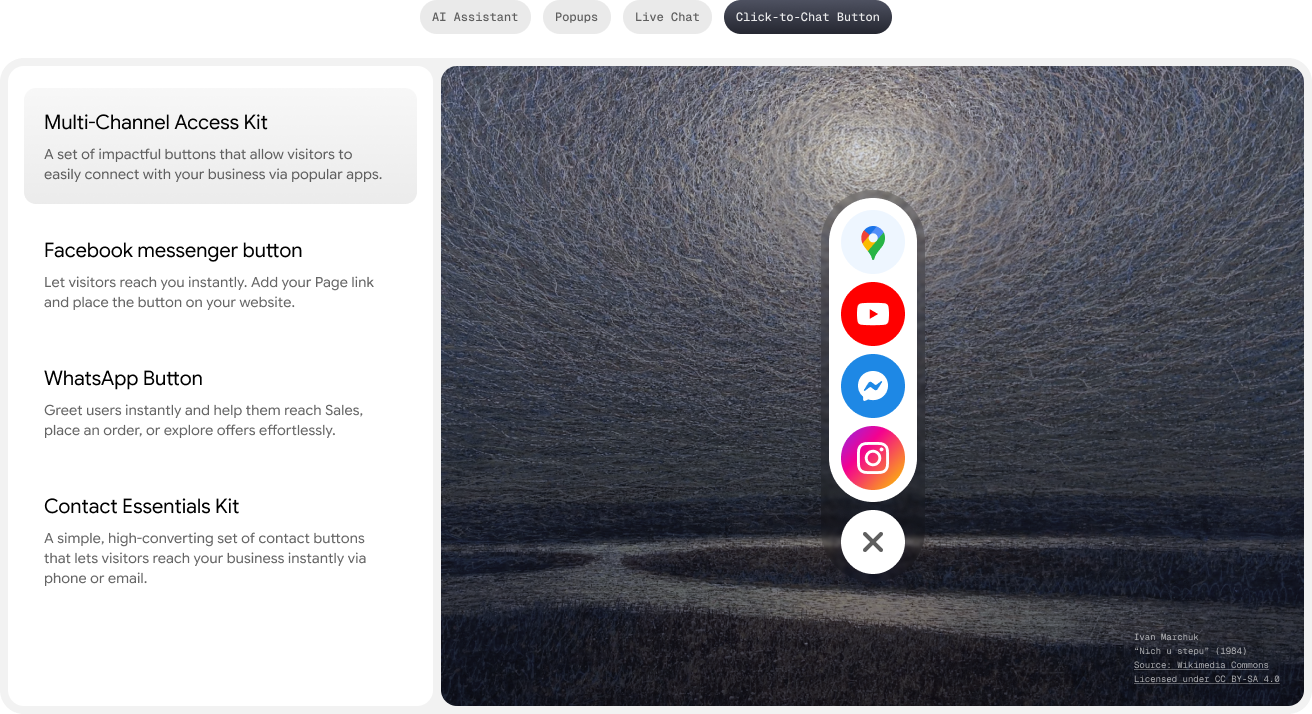
A better Shopify chat stack
| Layer | Use it for | Good example |
|---|---|---|
| WhatsApp button | Direct messaging with shoppers who prefer WhatsApp | Ask us before you order |
| AI chat | Instant answers to product, delivery, return, and policy questions | What size should I choose? |
| Live handoff | Complex support or high-value sales questions | I need help with a bulk order |
| Popup or form | Lead capture when the shopper is not ready to message | Get a size guide or first-order offer |

7-Day Pro Trial
for Every New Account
For your first 7 days, you are automatically on the Pro plan.
Internal setup checklist
Before publishing the widget, decide who answers, what happens outside business hours, and which questions should be routed away from WhatsApp into AI chat or email follow-up.
- Create one prefilled message for product help and one for order support.
- Check the widget on the top 10 mobile product pages.
- Add UTM tracking to the button if your analytics setup supports it.
- Link the chat prompt to your conversion path, not only support.
- Review the related guide: Shopify chat widget strategy for product page sales.
Bottom line
A Shopify WhatsApp widget is a useful starting point, but it should not be the only way shoppers get help. Use WhatsApp for direct conversations, AI chat for repeat questions, live handoff for complex cases, and popups or forms for visitors who need a softer next step.
Get quick answers to common queries
-
What is a Shopify floating WhatsApp chat widget?
It is a small floating button or chat prompt that opens a WhatsApp conversation with your business from a Shopify store.
-
What phone number format should a WhatsApp widget use?
Use an international phone number format without spaces, brackets, or plus signs in the wa.me link. Test the link before publishing.
-
Is a WhatsApp widget enough for Shopify support?
It can work for simple conversations, but stores usually need AI answers, product guidance, forms, and live handoff as traffic grows.
-
Where should the widget appear on Shopify product pages?
Place it where it does not cover add-to-cart buttons, variant selectors, checkout bars, or cookie controls, especially on mobile.
-
Should the WhatsApp chat widget open automatically?
Usually no. A compact button or context-aware prompt is less intrusive than opening a chat immediately on page load.
-
Can Oscar Chat work alongside WhatsApp?
Yes. Oscar Chat can support website AI chat, live chat, popups, and lead capture while WhatsApp remains a direct messaging option.
-
What should the first WhatsApp message say?
Use a prefilled message that includes the visitor intent, such as product help, order question, or sizing question.
-
How do I measure whether the widget works?
Track widget clicks, chat starts, product page conversion rate, support volume, and whether questions are resolved without extra back-and-forth.