
Small-business software costs can grow surprisingly fast. A company starts with one tool for leads, adds another for scheduling, subscribes to a design platform, and eventually pays for several products before it has a predictable flow of customers.
The solution is not to avoid software. The right tools can save time, prevent missed leads, and make a small team look far more organized. The goal is to build the smallest possible stack that supports the entire customer journey:
attract visitors → start conversations → organize follow-up → deliver work → learn → repeat
This guide covers seven free tools for small businesses, explains what each one is best for, and identifies the point at which upgrading may make sense.
Quick comparison of the best free small-business tools
| Business need | Free tool | Best for | Typical upgrade trigger |
|---|---|---|---|
| Website conversations | Oscar Chat | Live chat, forms, popups, and contact buttons | More agents or AI automation |
| Lead management | HubSpot CRM | Contacts, deals, tasks, and follow-up | Advanced automation and reporting |
| Documentation | Notion | Procedures, checklists, and shared knowledge | Team collaboration and permissions |
| Visual content | Canva | Everyday marketing graphics | Brand controls and faster production |
| Social publishing | Buffer | Scheduling content across a few channels | More channels and approvals |
| Appointment booking | Calendly | One primary booking flow | Multiple event types or team routing |
| Workflow automation | Zapier | Simple two-step automations | Higher volume and multi-step logic |
How to choose free business software
A free plan is useful only when it solves a real problem without introducing unnecessary complexity.
Before adding a new tool, ask:
- What specific problem will it solve?
- Who will be responsible for using it?
- Which manual step or existing tool will it replace?
- Where will the information be stored?
- What business event would justify upgrading?
These questions prevent a free software stack from becoming a collection of disconnected accounts.
1. Oscar Chat for website conversations and lead capture
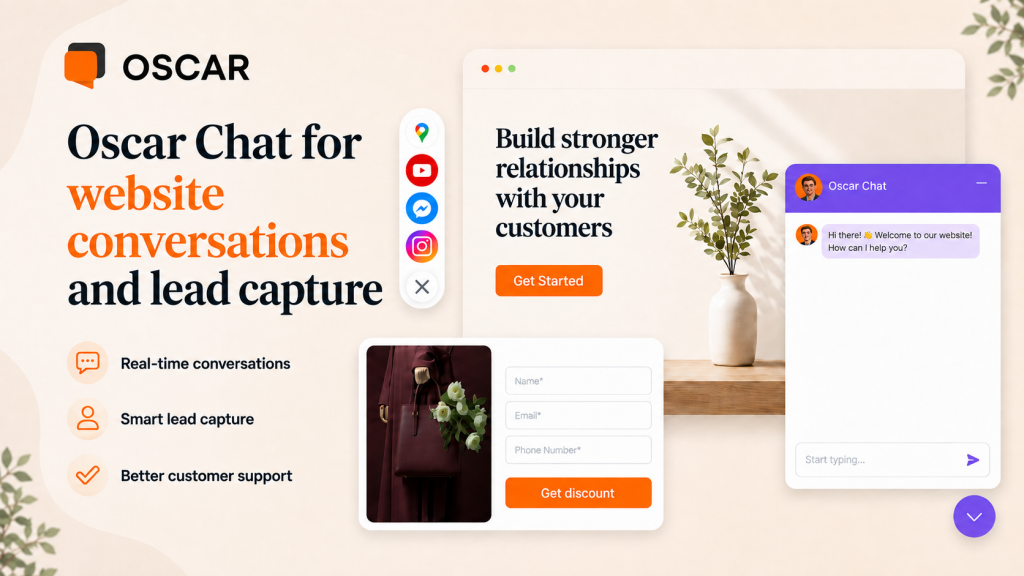
Many small-business websites lose potential customers because visitors cannot find an answer or do not know which communication channel to use.
Oscar Chat Free Forever gives a small business a customer communication layer without a recurring subscription. The plan includes:
- live chat;
- popup builder;
- form builder;
- click-to-chat and contact buttons;
- widget customization;
- one user and one workspace.
A business can use the widget to answer questions directly or let visitors continue the conversation through channels such as WhatsApp, Messenger, Telegram, email, or phone.
The free plan keeps Oscar Chat branding and does not include the AI chatbot. This makes it suitable for an owner or small team that first wants to understand what customers actually ask.
Those conversations can later become an FAQ, improve website copy, or provide the training material for an AI chatbot for customer support.
When the free plan is enough
Use the free plan when one person can manage the current conversation volume and the main goal is to capture more questions and leads.
When to upgrade
Consider upgrading when several teammates need access, inquiries frequently arrive outside business hours, or repetitive questions consume too much working time.
2. HubSpot Free CRM for contacts and follow-up
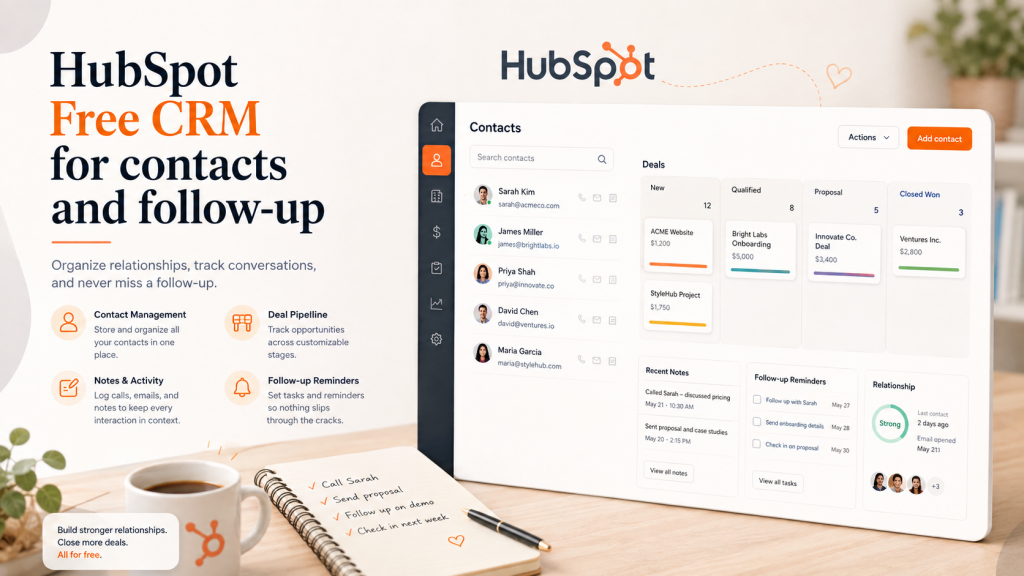
A spreadsheet may be enough for the first few prospects. It becomes unreliable when the team needs to remember who requested a proposal, which leads require follow-up, and what happened during the previous conversation.
HubSpot’s free CRM provides a structured place for contacts, companies, deals, activities, and tasks. The free product does not have an expiration date.
The main benefit is not simply storing contact information. A CRM helps ensure that every opportunity has:
- a clear owner;
- a visible pipeline stage;
- a recorded conversation history;
- a defined next action.
When the free plan is enough
It works well for a straightforward sales pipeline in which the priority is consistent follow-up.
When to upgrade
Paid features become more relevant when the business needs advanced reporting, lead scoring, automated sequences, permissions, or complex lead routing.
3. Notion for procedures and company knowledge
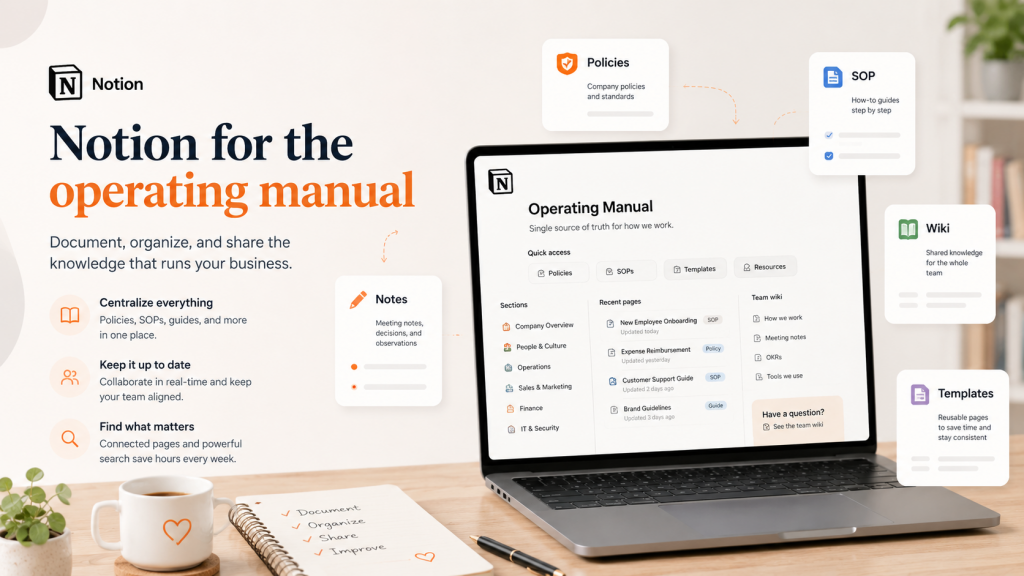
Small teams often store information across private documents, chats, email threads, and shared drives. This makes onboarding slower and increases the risk of inconsistent customer communication.
Notion’s Free plan can serve as a lightweight operating manual. An individual can create unlimited pages and blocks for information such as:
- company positioning and offers;
- sales procedures;
- customer onboarding checklists;
- campaign plans;
- meeting notes;
- answers to frequently asked customer questions.
The last category is particularly valuable. Website content, sales messages, live-chat answers, and AI support should all use the same approved information.
When the free plan is enough
It is a strong starting point for an owner or a small team building its first centralized knowledge base.
When to upgrade
An upgrade may be justified by collaboration limits, larger file uploads, advanced permissions, or a need for longer version history.
4. Canva Free for everyday visual content
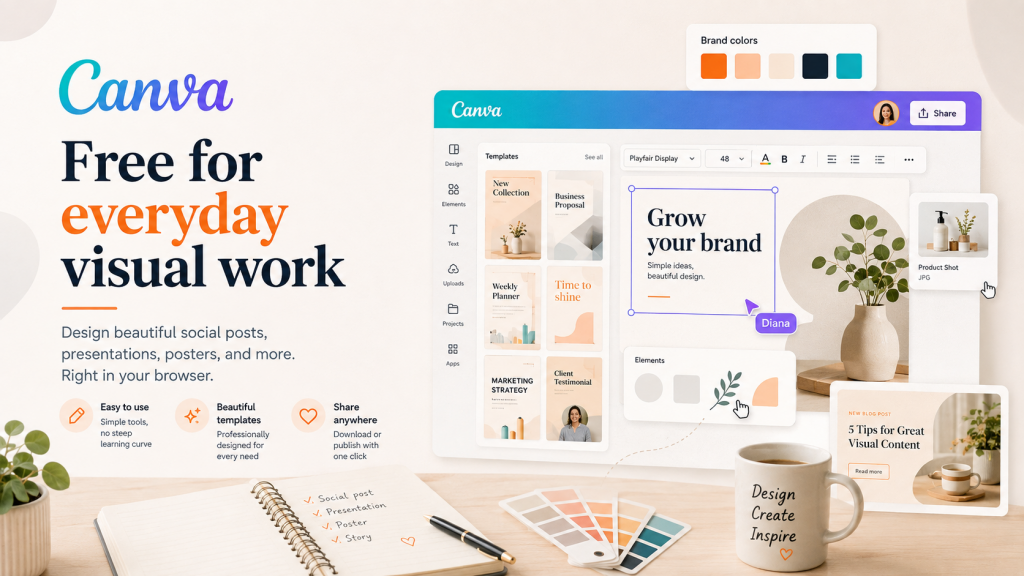
Small businesses regularly need social media graphics, proposal covers, event banners, presentations, and simple promotional materials.
Canva Free provides templates and basic editing tools that make these assets easier to produce without requesting a new design for every post.
For better consistency, create a small set of reusable templates:
- square social post;
- vertical story;
- testimonial card;
- presentation cover;
- promotional banner.
Using the same colors, typography, spacing, and logo placement will generally produce a stronger brand presence than constantly changing the style.
When the free plan is enough
Use it when the team needs straightforward, repeatable marketing graphics.
When to upgrade
Consider a paid plan when premium assets, background removal, resizing, formal brand controls, or a higher production volume save significant time.
5. Buffer Free for social media scheduling
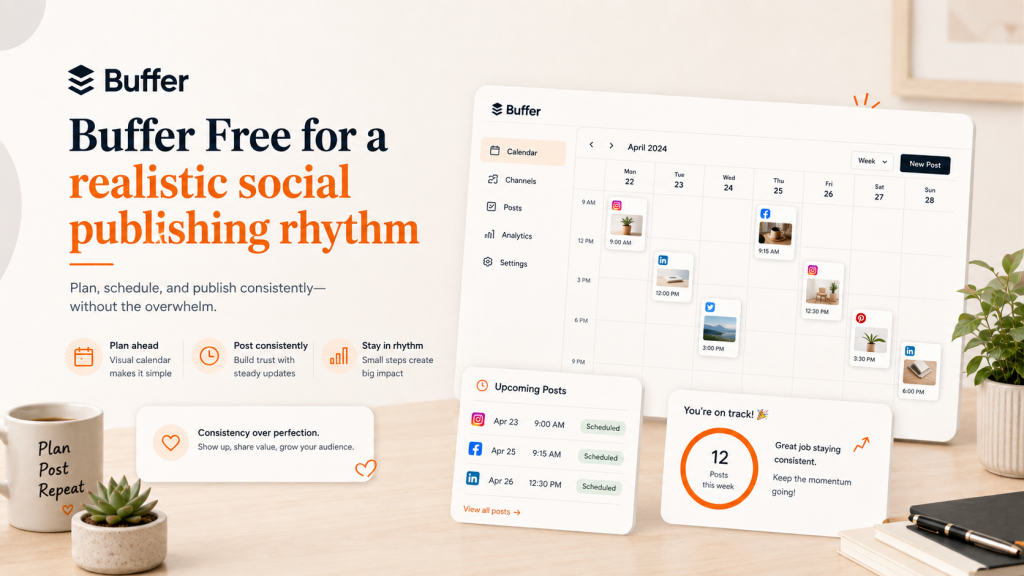
Social publishing tools should help a business maintain a realistic rhythm, not encourage it to produce more low-value content.
Buffer’s Free plan currently supports up to three channels and ten scheduled posts per channel. This can be sufficient for a small company publishing a few useful posts each week.
A practical setup might include:
- one main social platform;
- one secondary platform;
- one company profile.
When the free plan is enough
The free plan works for an owner-led business with a focused content calendar and a limited number of channels.
When to upgrade
Upgrade when the company needs additional channels, approval workflows, more users, or deeper reporting.
6. Calendly Free for appointment booking
Scheduling a meeting often creates unnecessary email exchanges about dates, time zones, and availability.
Calendly Free includes one event type, one connected calendar, custom availability, and support for video conferencing.
For a small business, one clearly defined booking option can be enough. Examples include:
- 20-minute discovery call;
- product demo;
- initial consultation;
- customer onboarding call.
When the free plan is enough
Use it when one person has one primary booking scenario.
When to upgrade
Paid plans become useful for multiple meeting types, payments, automated reminders, round-robin scheduling, or lead routing across a team.
7. Zapier Free for simple business automation
Automation should begin with repetitive, predictable tasks rather than an attempt to automate the entire company.
Zapier’s Free plan currently includes two-step workflows and 100 tasks per month. It can be used to test simple connections such as:
- adding form submissions to a spreadsheet;
- creating a task after a new inquiry;
- copying a contact into a mailing list;
- notifying the team when a lead completes an important action.
The best first automation is usually a small task that people frequently forget.
When the free plan is enough
It works for one or two low-volume workflows following the same rule each time.
When to upgrade
Consider upgrading when the business requires multi-step logic, premium integrations, faster processing, or a higher task volume.
When should a small business pay for software?
A paid plan should solve a measurable constraint. Three common upgrade triggers are:
- The free limit blocks revenue. Leads are being missed or customers cannot complete an important action.
- Manual work costs more than the subscription. The team repeatedly spends hours on work a paid feature could remove.
- The free workflow creates risk. Limited history, permissions, security, or support threatens important business information.
Do not upgrade simply because a dashboard displays locked features. Upgrade when a specific paid capability has a clear operational or commercial value.
Build the smallest stack that supports growth
The best small-business software stack is not the one with the most applications. It is the smallest system that helps the company hear customers, follow up reliably, deliver good work, and understand what to improve.
Start with the free plan. Build the process. Upgrade when the bottleneck is real.
If your website needs a simple way to capture questions and leads, start with Oscar Chat Free Forever. There is no limited trial and no credit card requirement.