Why Cleaning Services Need an AI Chatbot in 2026
That means fewer missed leads, less admin work, and more booked jobs without adding another receptionist.
The Real Cost of Missed Cleaning Inquiries
Cleaning is a high-intent local service. When someone searches for house cleaning, deep cleaning, or move-out cleaning, they usually want to book soon. If your team is slow, the opportunity disappears.
- After-hours leads are common: many requests come in evenings and weekends.
- Phone calls get missed: one missed call can mean one lost recurring client.
- Manual quoting is slow: back-and-forth about square footage, rooms, and add-ons kills momentum.
- Scheduling friction hurts conversion: customers want to pick a time, not wait for a callback.
Even a small lift in quote-to-booking conversion can make a meaningful difference. If your chatbot captures only a handful of extra recurring clients each month, it can pay for itself very quickly.
How an AI Chatbot Handles Instant Quotes
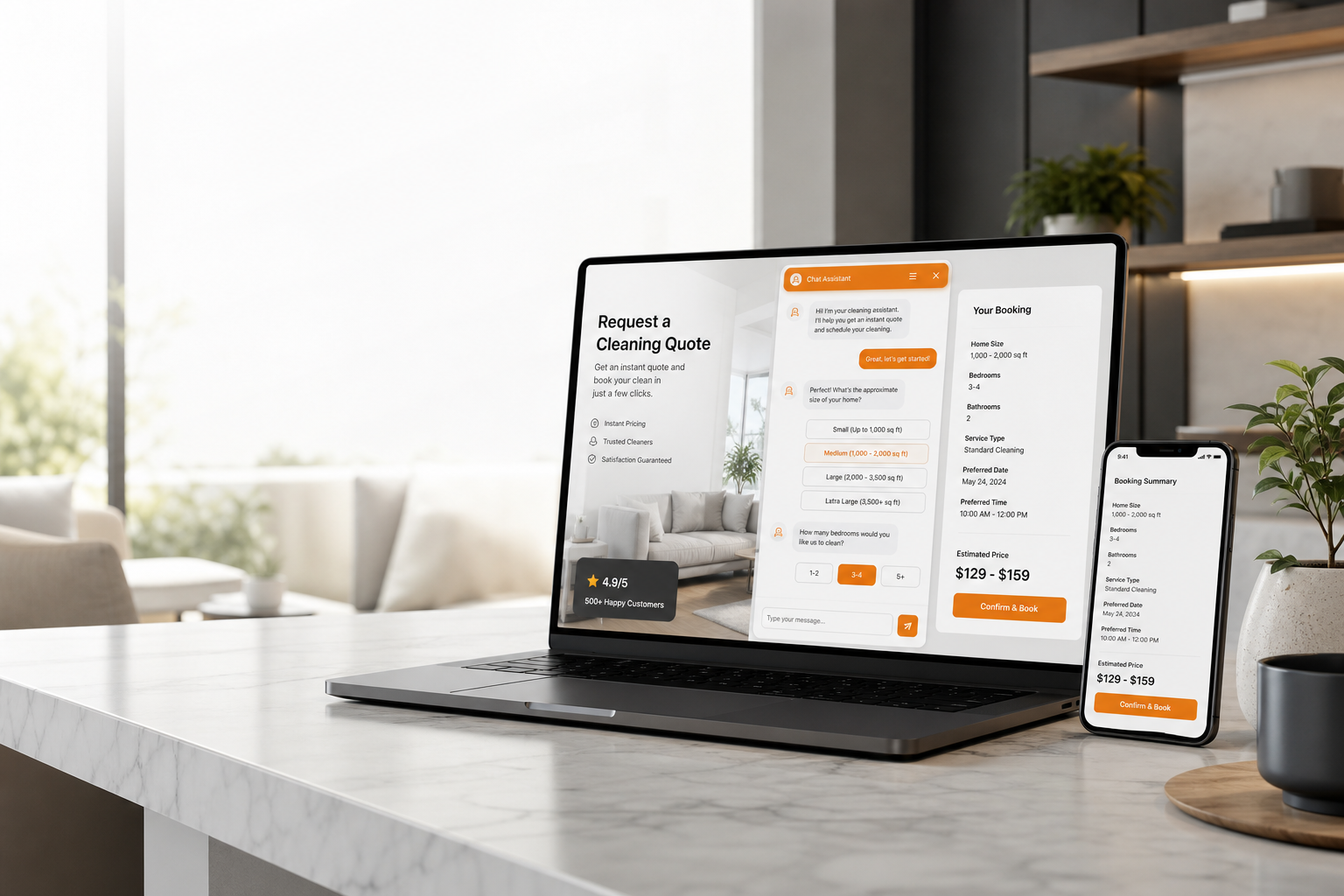
A good cleaning chatbot does not just say hello. It guides the visitor through a simple qualification flow and turns that into a quote.
1. Qualify the job
The bot asks the minimum set of questions needed to price the job correctly:
- Cleaning type: standard, deep clean, move-in, move-out, post-construction, commercial
- Property size: square footage, bedrooms, bathrooms
- Frequency: one-time, weekly, bi-weekly, monthly
- Add-ons: inside oven, inside fridge, windows, laundry, baseboards
- Location: to confirm service-area coverage
2. Calculate the price
Once the data is captured, the chatbot applies your pricing rules. You can set flat rates, size-based pricing, frequency discounts, or custom rules for different job types.
3. Show a clear quote
Customers trust a quote more when they can see what it includes. A clean breakdown reduces confusion and cuts down on follow-up questions.
How an AI Chatbot Handles Scheduling
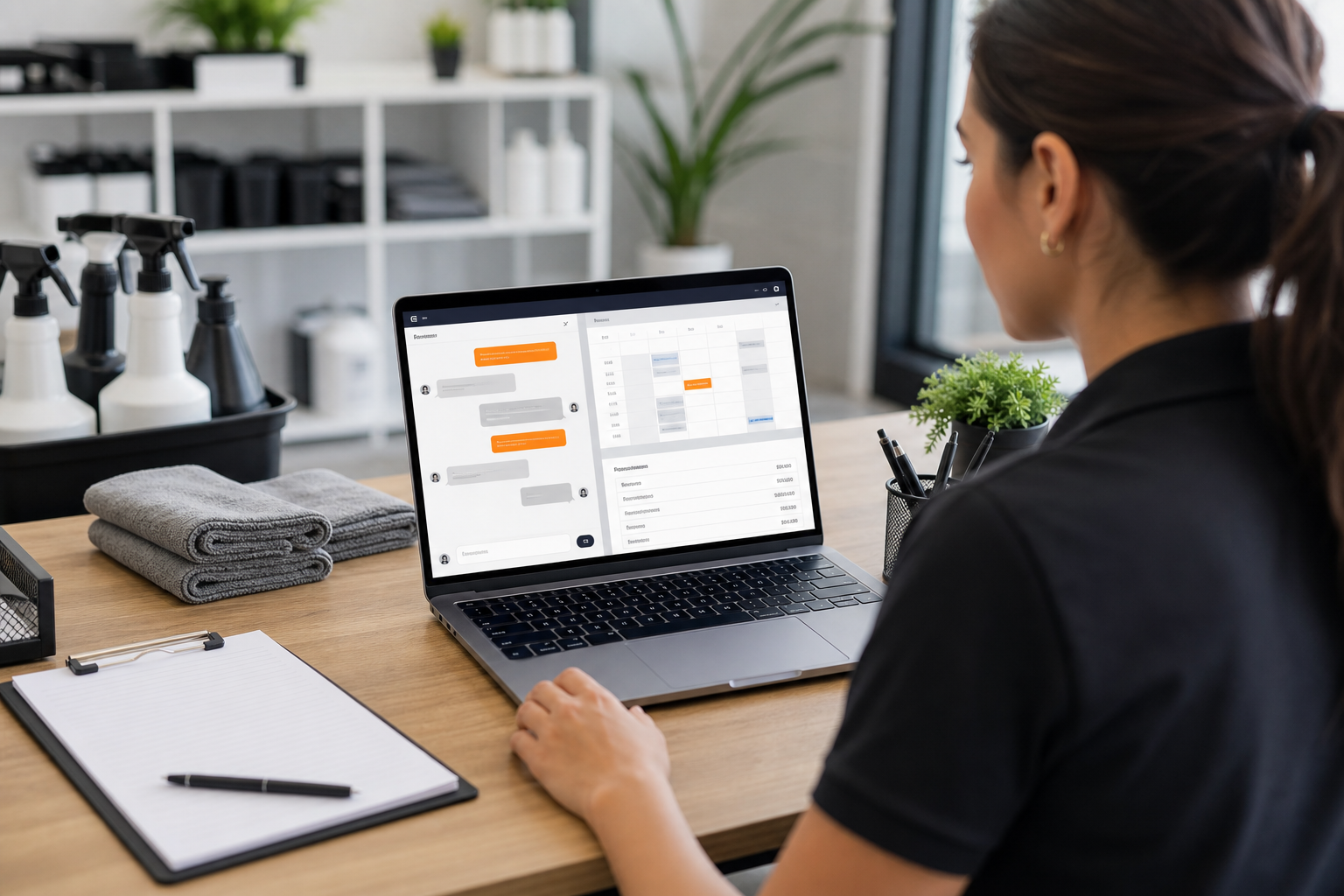
After the quote, the next step is booking. This is where most cleaning companies lose momentum. A chatbot keeps the process moving.
The scheduling flow can:
- Show only available time slots
- Account for travel time between jobs
- Separate deep cleans from shorter maintenance jobs
- Send confirmation by email or SMS
- Send reminders before the appointment
- Handle rescheduling without a human involved
That means fewer no-shows and less time spent on repetitive scheduling calls.
Key Features to Look For in a Cleaning Service Chatbot
| Feature | Why It Matters | Priority |
|---|---|---|
| Custom quote logic | Lets the bot calculate prices from your own rate card | Critical |
| Calendar sync | Books jobs into real availability and avoids double-booking | Critical |
| Lead capture | Saves contact info when visitors are not ready to book yet | High |
| Human handoff | Escalates unusual requests or complaints to a real person | High |
| Multi-channel support | Works on website, WhatsApp, and other channels your customers use | High |
| Automated follow-ups | Re-engages visitors who got a quote but did not book | Medium |
Comparing Chatbot Options for Cleaning Businesses
Cleaning businesses do not need a giant enterprise stack to start converting more leads. Here is the practical comparison:
| Platform | AI Responses | Quote Logic | Scheduling | Setup Time |
|---|---|---|---|---|
| Oscar Chat | Yes | Yes | Via integrations | About 30 minutes |
| Tidio | Yes | Limited | No native booking flow | 1–2 hours |
| Intercom | Yes | Custom setup | Via integrations | Days to weeks |
| ManyChat | Partial | Flow-based | Via Zapier | 2–4 hours |
For cleaning companies that want something fast and practical, Oscar Chat is the easiest way to get live quoting and booking on site. If you want more context on chat tooling, see our guides on what is live chat and chatbot vs. live chat.
How to Set Up Your Cleaning Service Chatbot
1. Map your services
List every service you offer: standard clean, deep clean, move-out clean, commercial cleaning, post-construction cleaning, and any add-ons.
2. Define your pricing rules
Set the base rate, size multipliers, frequency discounts, minimum job size, and add-on pricing. This becomes the bot’s quote engine.
3. Train the AI
Feed the chatbot your FAQ page, service pages, cancellation policy, and service-area details. The better the training, the better the answers.
4. Connect scheduling
Link the bot to your booking calendar so available times are real and up to date.
5. Test real scenarios
Run common questions through the bot: one-time deep clean, recurring weekly service, add-on windows, and move-out quoting.
6. Improve from transcripts
Review conversations weekly and refine answers where customers still hesitate.
ROI Breakdown
Even a small increase in conversion can be meaningful for a cleaning business.
| Metric | Before Chatbot | After Chatbot |
|---|---|---|
| Answer speed | Hours later | Instant |
| After-hours leads captured | Low | High |
| Quote-to-booking rate | Lower | Higher |
| Admin time | Several hours/week | Much less |
For many cleaners, the real ROI is not just revenue. It is the hours saved on quoting and scheduling every week. If you want to compare how chat fits into your website, start with what live chat is and our popup builder guide.
Advanced Ways to Use the Bot
- Upsell add-ons: offer oven cleaning, fridge cleaning, or window cleaning after the main quote.
- Push recurring plans: convert one-time jobs into weekly or bi-weekly service.
- Collect reviews: follow up after service and ask for a Google review.
- Recover quote abandoners: send a follow-up if someone requests a quote but does not book.
Common Mistakes to Avoid
- Too many questions: keep the quote flow short.
- No human fallback: some customers will want a person.
- Static pricing: keep the bot in sync with your real rates.
- Ignoring mobile: most cleaning searches happen on phones.
- No follow-up: warm leads should never go cold.
Integrations That Matter
- CRM / booking tools: Jobber, Housecall Pro, ServiceTitan
- Calendar: Google Calendar or another scheduling tool
- Payments: deposits or full payment at booking time
- WhatsApp: for customers who prefer messaging
If you are still comparing tools, our guides on Tidio alternatives, Intercom alternatives, and free live chat software are useful starting points. For a quick test, start your free 7-day Pro trial and see how quickly you can turn the chatbot into a booking engine.
Frequently Asked Questions
How does an AI chatbot calculate cleaning quotes?
It uses the pricing rules you define: service type, property size, add-ons, and frequency. The bot asks the customer the right questions and then calculates a quote instantly.
Can it schedule jobs automatically?
Yes. When connected to your calendar or booking tool, the chatbot can show open slots and book the job without back-and-forth messages.
Will it work for recurring cleaning plans?
Yes. It can help convert one-time customers into weekly or bi-weekly recurring clients.
Does it replace a human receptionist?
No. It handles the repetitive first step and hands off complex cases to a real person when needed.
Can it handle move-out and deep cleaning requests?
Yes. Those are perfect use cases because they follow a clear qualification and quoting flow.
How much setup time does it take?
With the right platform, basic setup can take about 30 minutes.
Can it work on mobile?
Yes. It should work smoothly on mobile because most local service traffic comes from phones.
Can the chatbot collect leads even if the customer does not book?
Yes. It can save contact details so you can follow up later.
What makes Oscar Chat a good fit for cleaning businesses?
It combines AI chat, lead capture, and scheduling-friendly flows in one tool, which makes it practical for service businesses that want more booked jobs without extra admin work.
How do I know if the chatbot is working?
Track quote volume, booking rate, after-hours leads, and how much admin time you save each week.
Frequently Asked Questions
How can an AI chatbot help cleaning services?
An AI chatbot can answer repeat questions, collect visitor details, qualify intent, and route important conversations to the right person.
What questions should a chatbot answer for cleaning services?
It should answer the questions visitors ask most often, such as pricing, availability, booking, services, policies, delivery, support, and next steps.
Can AI chatbots generate leads?
Yes. A chatbot can capture contact details, qualify visitor intent, and guide high-intent visitors toward booking, buying, or requesting a quote.
Should the chatbot include human handoff?
Yes. Human handoff is important for complex questions, sensitive issues, custom requests, and high-value opportunities.
How should teams improve the chatbot over time?
Review transcripts, identify unanswered questions, add better knowledge, improve page prompts, and measure conversion after chat.
How does Oscar Chat help?
Oscar Chat brings AI chatbot, live chat, popups, forms, and lead capture into one platform so teams can support visitors and improve conversions.