
This guide covers exactly how EdTech platforms and course creators can use AI chatbots to increase enrollment, cut support costs, and keep students engaged—with practical examples, tool comparisons, and implementation steps you can act on today.
Why EdTech Platforms Need AI Chatbots in 2026
The online learning space has a unique set of challenges that make AI chatbots especially valuable. Unlike traditional ecommerce, the “purchase” decision in education is high-consideration. Prospective students research for days or weeks. They have detailed questions about curriculum, outcomes, pricing, and accreditation. If they don’t get fast answers, they move on to a competitor.
Meanwhile, enrolled students generate a constant stream of support requests—technical issues, deadline questions, certificate inquiries, and more. For platforms with thousands of learners, this volume can overwhelm small support teams quickly.
Here’s where an AI chatbot changes the equation:
- 24/7 availability – Students learn at night, on weekends, and across time zones. A chatbot never sleeps.
- Instant answers – Pre-enrollment questions get answered in seconds, not hours. This directly increases conversion rates.
- Reduced support costs – Automating 60–80% of repetitive queries frees your team to focus on complex student issues.
- Consistent information – Every student gets the same accurate answer about refund policies, deadlines, or prerequisites.
- Scalability – Launch a new course or run a marketing campaign without hiring additional support staff.
If you’re still relying on email-only support or a basic FAQ page, you’re leaving enrollment revenue and student satisfaction on the table.
Top Use Cases for AI Chatbots in Online Education
AI chatbots aren’t a one-trick tool. For EdTech platforms, they serve multiple functions across the entire student lifecycle—from first visit to course completion.
1. Pre-Enrollment Lead Capture and Qualification
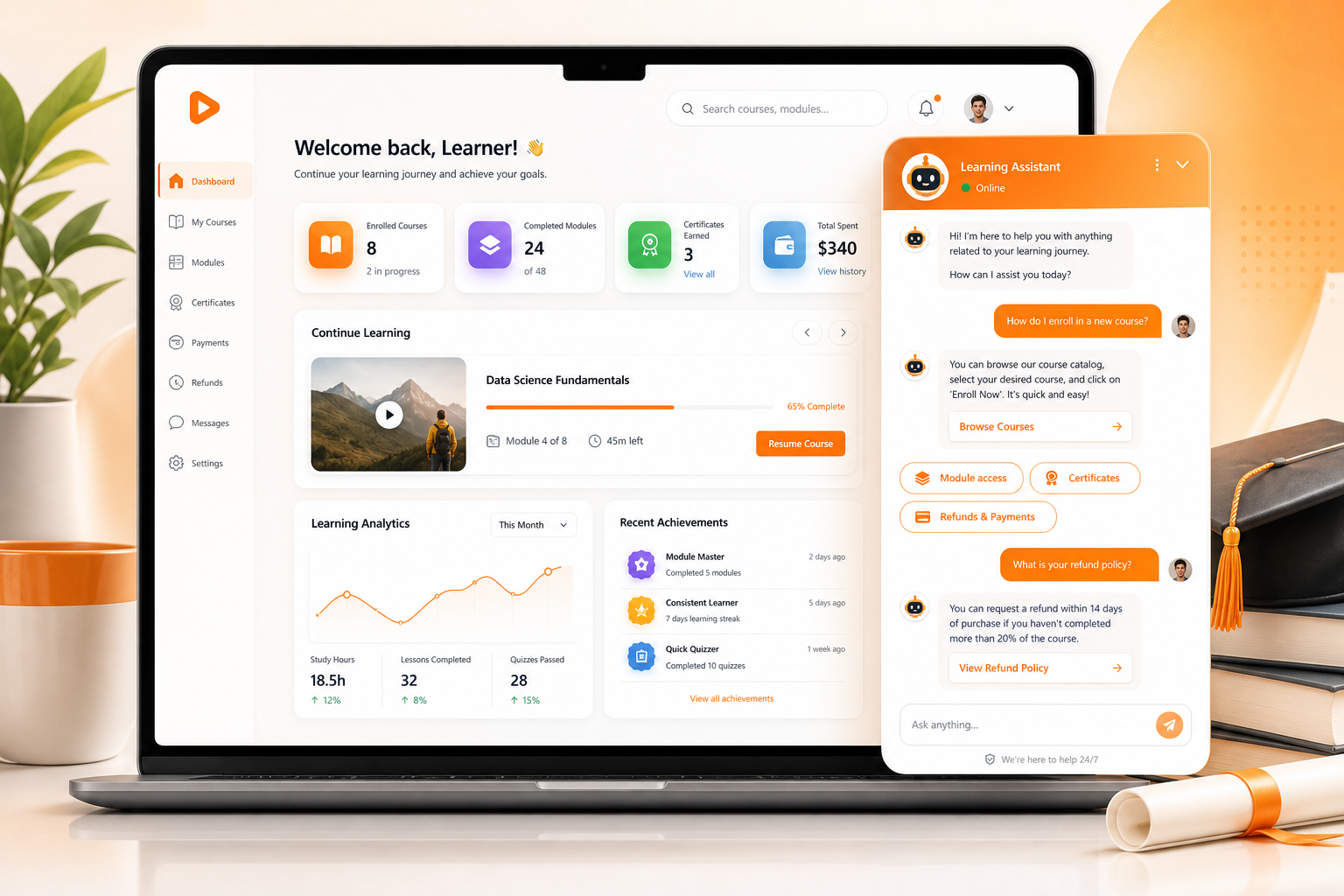
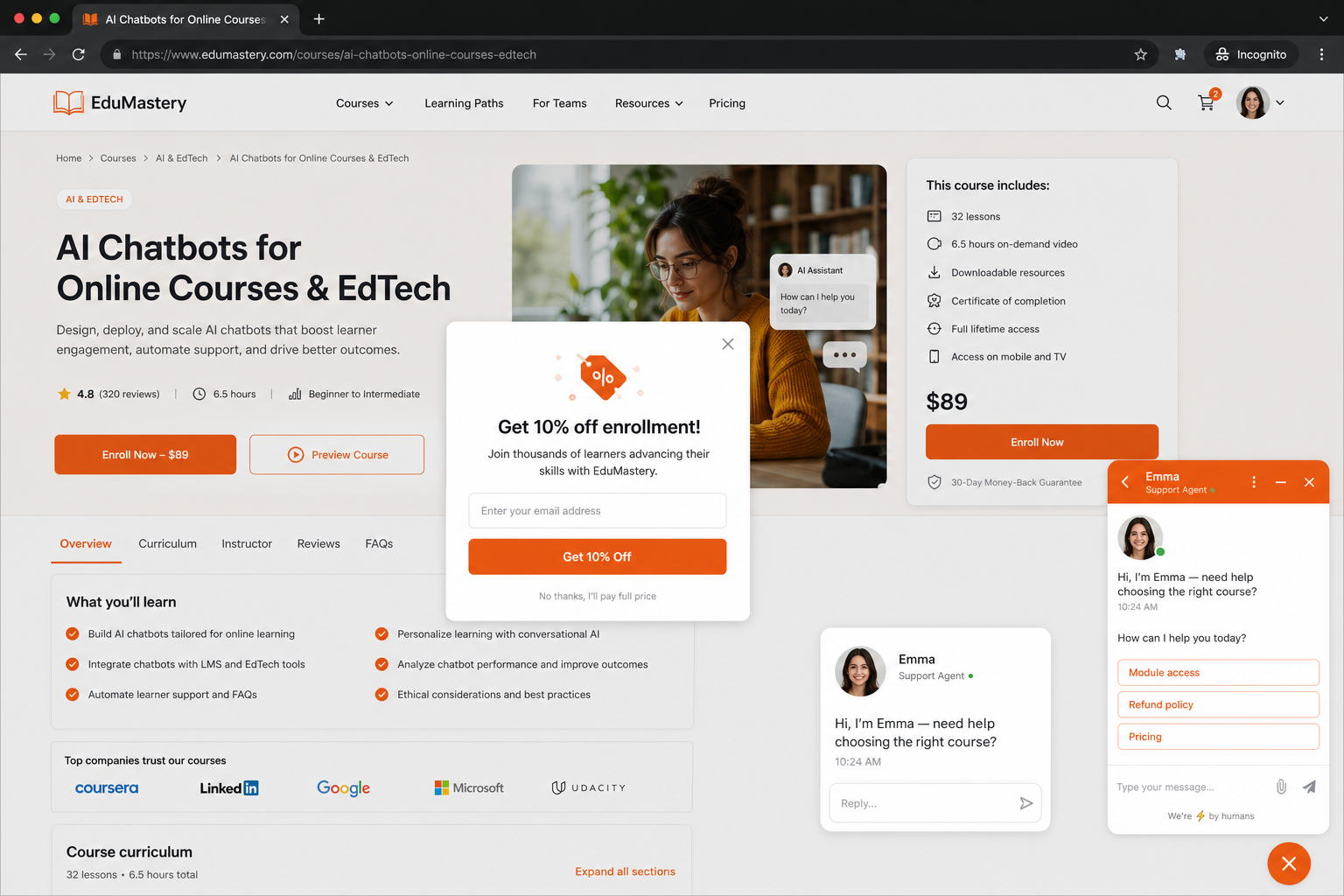
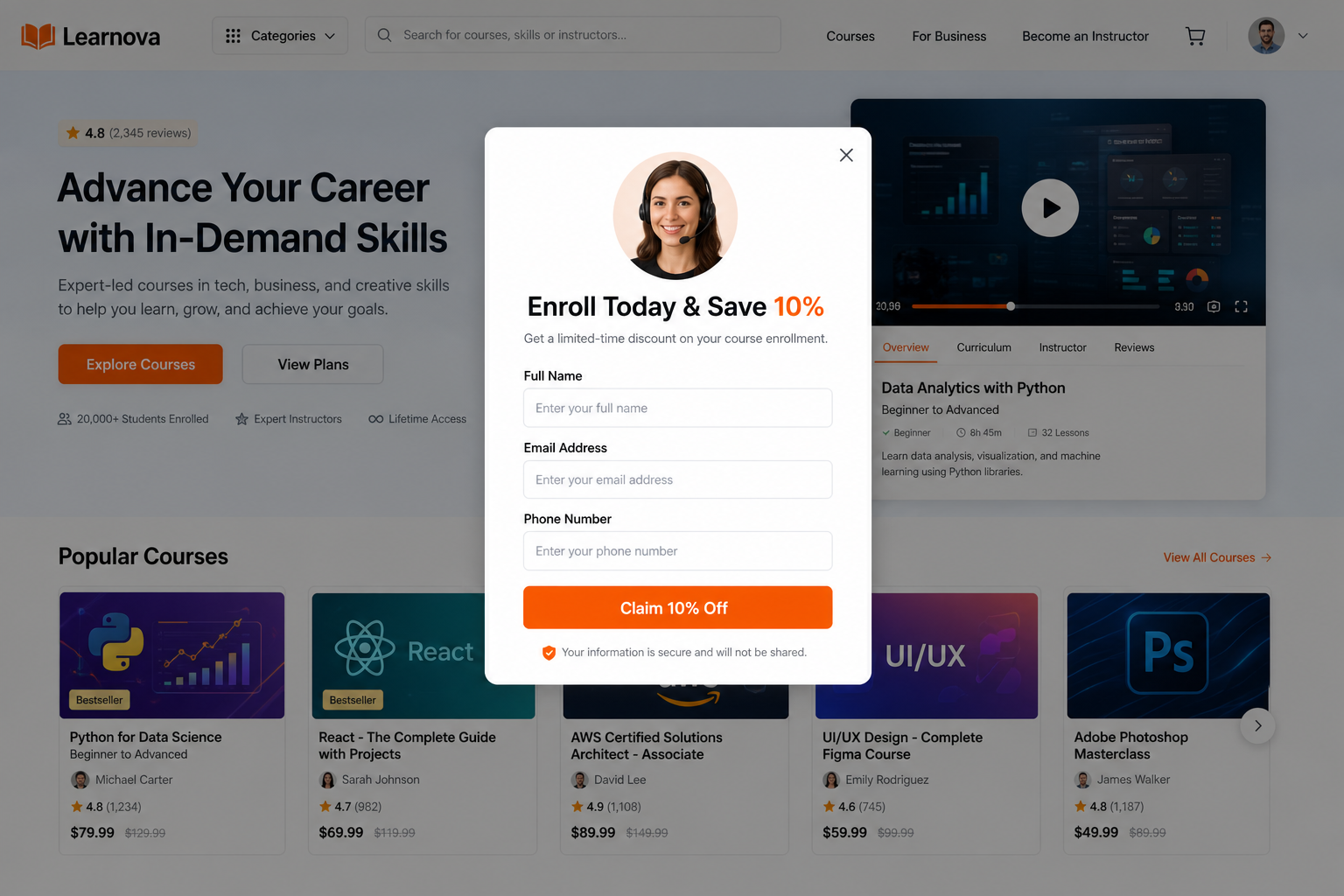
Most course platforms lose the majority of their website visitors without ever learning who they are. An AI chatbot can engage visitors proactively, ask what they’re looking for, and recommend specific courses based on their goals. It collects email addresses and phone numbers naturally during the conversation, feeding qualified leads directly into your CRM or email marketing tool.
For example, a visitor lands on your data science bootcamp page. The chatbot asks: “Are you looking to switch careers or upskill in your current role?” Based on the answer, it recommends the right program and captures their contact info for follow-up.
2. Answering Course and Pricing Questions
Prospective students want to know specifics: What’s covered in Module 3? Is the course self-paced or live? What payment plans are available? Do I need prerequisites? An AI chatbot trained on your course catalog can answer all of these instantly—without requiring a salesperson.
3. Onboarding New Students
The first 48 hours after enrollment are critical. If a student can’t figure out how to access their dashboard, join a live session, or download materials, they’re at high risk of dropping out. A chatbot guides new students through setup, points them to the right resources, and resolves common technical issues on the spot.
4. Technical Support and Troubleshooting
“The video won’t play.” “I can’t submit my assignment.” “My certificate didn’t generate.” These tickets are repetitive and time-consuming for human agents. An AI chatbot handles them instantly by walking students through troubleshooting steps or linking to the correct help article.
5. Student Engagement and Retention
Completion rates for online courses hover between 5% and 15% industry-wide. AI chatbots can proactively check in with students who haven’t logged in recently, send reminders about upcoming deadlines, and offer encouragement. This nudge-based approach measurably improves retention.
6. Refund and Billing Inquiries
Refund requests and billing questions are among the most common support tickets for any course platform. A chatbot can explain your refund policy, check eligibility, and either process the request or escalate it to a human agent—all without the student waiting in a queue.
What to Look for in an EdTech AI Chatbot
Not every chatbot is built for the education space. Here are the features that matter most when choosing an AI chatbot for online courses:
- Custom training on your content – The chatbot must learn from your course pages, FAQs, help docs, and policies—not just generate generic answers.
- Live chat handoff – Some questions require a human. The chatbot should seamlessly transfer the conversation to a live agent when needed. Understanding chatbot vs. live chat dynamics is key to getting this right.
- Lead capture and CRM integration – Pre-enrollment conversations should feed into your sales pipeline automatically.
- Multi-platform deployment – Students reach out via your website, WhatsApp, Instagram, and email. Your chatbot should work across all channels.
- Analytics and reporting – You need visibility into what students are asking, where the chatbot struggles, and how conversations convert.
- Easy setup – If it takes weeks of developer time to configure, it’s not practical for most course creators and small EdTech teams.
- Affordable pricing – Many EdTech businesses are bootstrapped or running on tight margins. Enterprise-priced tools aren’t realistic. Explore free live chat software options if budget is a primary concern.
Comparing AI Chatbot Tools for EdTech
We evaluated several popular chatbot and live chat platforms based on how well they serve online education businesses. Here’s how they stack up:
| Feature | Oscar Chat | Intercom | Tidio | Crisp |
|---|---|---|---|---|
| AI trained on your content | ✓ Yes | ✓ Yes (Fin) | ✓ Yes (Lyro) | Limited |
| Live chat handoff | ✓ Seamless | ✓ Yes | ✓ Yes | ✓ Yes |
| WhatsApp & social channels | ✓ Built-in | ✓ Add-on | ✓ Yes | ✓ Yes |
| Lead capture forms | ✓ Yes | ✓ Yes | ✓ Yes | ✓ Yes |
| Free plan available | ✓ Yes | ✗ No | ✓ Yes | ✓ Yes |
| Pricing (starting) | $0/mo | $39/seat/mo | $29/mo | $0/mo |
| Setup complexity | Low (5 min) | Medium | Low | Low |
| Best for EdTech | SMB & mid-market | Enterprise | Small teams | Startups |
For most online course creators and mid-sized EdTech platforms, Oscar Chat hits the right balance of AI capability, ease of setup, and affordability. Intercom is powerful but expensive—see our detailed Intercom alternatives breakdown. If you’re evaluating Tidio, check our Tidio alternatives guide as well. And for Crisp users, our Crisp alternatives comparison covers the key differences.
How to Set Up an AI Chatbot for Your Course Platform
Getting an AI chatbot running on your EdTech site doesn’t have to be complicated. Here’s a step-by-step approach using Oscar Chat as an example:
Step 1: Sign Up and Install the Widget
Create a free account at app.oscarchat.ai. Copy the widget code snippet and paste it into your site’s header or footer. If you’re on WordPress, Teachable, Thinkific, Kajabi, or any platform that supports custom code, this takes under five minutes.
Step 2: Train the AI on Your Content
Upload or point the chatbot to your course pages, FAQ section, pricing page, refund policy, and any help documentation. Oscar Chat’s AI reads and indexes this content so it can answer questions accurately based on your actual information—not hallucinated responses.
Step 3: Configure Lead Capture
Set up the chatbot to collect name, email, and phone number from prospective students during pre-enrollment conversations. Connect it to your email marketing tool or CRM (Mailchimp, HubSpot, ActiveCampaign, etc.) so leads flow automatically into your nurture sequences.
Step 4: Set Up Live Chat Handoff Rules
Define when the chatbot should escalate to a human. Common triggers for EdTech include: refund requests over a certain amount, complaints, technical issues the bot can’t resolve, or any conversation where the student explicitly asks to speak to a person. To understand when live chat adds the most value, read our guide on what is live chat.
Step 5: Launch and Monitor
Go live and watch the analytics. Pay attention to the most common questions, resolution rates, and any queries where the chatbot gets stuck. Use this data to refine your training content and improve accuracy over time.
Real-World Results: AI Chatbots in EdTech
The impact of deploying an AI chatbot on a course platform is measurable and fast. Here’s what EdTech businesses typically see:
| Metric | Before AI Chatbot | After AI Chatbot |
|---|---|---|
| Average response time | 4–12 hours | Under 5 seconds |
| Support tickets handled by humans | 100% | 25–40% |
| Lead capture rate (website visitors) | 2–4% | 8–15% |
| Student satisfaction (CSAT) | 72% | 89% |
| Monthly support cost | $3,000–$8,000 | $800–$2,500 |
These numbers aren’t hypothetical. They reflect real patterns across EdTech businesses that have implemented AI-powered chat solutions. The ROI is particularly strong for platforms with high visitor-to-enrollment funnels where every unanswered question is a potential lost sale.
Common Mistakes to Avoid
Deploying an AI chatbot for online courses isn’t plug-and-forget. Here are the mistakes we see EdTech teams make most often:
- Not training the bot on actual content – A generic chatbot that can’t answer “What’s included in the Pro plan?” is worse than no chatbot at all. Feed it your real pages and policies.
- No human fallback – Students will always have questions the AI can’t handle. Without a live chat handoff, those conversations dead-end and the student leaves frustrated.
- Ignoring analytics – If you’re not reviewing what students ask and where the bot fails, you can’t improve it. Check weekly.
- Over-automating sensitive conversations – Refund disputes, accessibility concerns, and complaints about instructors should go to a human. Set clear escalation rules.
- Hiding the chatbot – If students can’t find it, they can’t use it. Make the widget visible on every page, especially the course catalog, pricing, and checkout pages.
AI Chatbot Features That Matter Most for Course Creators
Not all chatbot features carry equal weight in the EdTech context. Here’s a prioritized breakdown:
| Feature | Priority | Why It Matters for EdTech |
|---|---|---|
| Content-trained AI responses | Critical | Students need accurate, course-specific answers—not generic text |
| Live chat escalation | Critical | Complex student issues need human touch |
| Lead capture forms | High | Pre-enrollment visitors are your pipeline—capture them |
| Multi-channel (WhatsApp, Instagram) | High | Students increasingly reach out via social and messaging apps |
| Proactive chat triggers | Medium | Engage visitors who linger on pricing or checkout pages |
| Analytics dashboard | Medium | Identify knowledge gaps and optimize bot training |
| Custom branding | Nice to have | Keeps the chat widget consistent with your brand identity |
Integrating Your Chatbot with Your EdTech Stack
A chatbot works best when it’s connected to the rest of your tools. Here are the integrations that matter most for online course platforms:
- LMS platforms (Teachable, Thinkific, LearnDash, Moodle) – Embed the chat widget directly on course pages and student dashboards.
- Email marketing (Mailchimp, ConvertKit, ActiveCampaign) – Automatically add captured leads to your enrollment nurture sequences.
- CRM (HubSpot, Salesforce, Pipedrive) – Track every pre-enrollment conversation as a deal in your pipeline.
- Payment processors (Stripe, PayPal) – Enable the chatbot to check payment status and answer billing questions.
- Help desk (Zendesk, Freshdesk) – Escalated conversations create tickets automatically so nothing falls through the cracks.
Oscar Chat supports integrations with popular marketing and CRM tools out of the box, making it straightforward to connect your entire student lifecycle—from first visit to course completion.
Scaling Your EdTech Support Without Scaling Headcount
One of the biggest operational challenges for growing EdTech platforms is support staffing. Every new course launch, every marketing push, and every cohort start date creates a spike in inquiries. Hiring for peak demand is expensive. Hiring for average demand means slow response times during busy periods.
An AI chatbot absorbs these spikes effortlessly. Whether you get 50 or 5,000 conversations in a day, the bot handles them all at the same speed and quality. Your human agents only deal with the conversations that genuinely require their expertise.
This is especially relevant for course creators who run live launches or limited-enrollment programs. During a launch window, hundreds of prospective students may visit your sales page simultaneously. A chatbot can answer their questions in real-time, qualify them, and push them toward checkout—something a two-person support team simply cannot do.
Frequently Asked Questions
What is an AI chatbot for online courses?
An AI chatbot for online courses is an automated messaging tool that uses artificial intelligence to answer student and prospective student questions on EdTech websites. It handles inquiries about course content, pricing, enrollment, technical support, and more—24 hours a day, 7 days a week.
How does an AI chatbot improve student enrollment rates?
AI chatbots engage website visitors instantly, answer pre-enrollment questions in real-time, and capture lead information during the conversation. By removing the wait time between a visitor’s question and the answer, chatbots significantly reduce drop-off and increase the percentage of visitors who enroll.
Can an AI chatbot replace human support for an EdTech platform?
Not entirely. AI chatbots handle 60–80% of repetitive questions automatically, but complex issues like refund disputes, accessibility requests, and instructor complaints should be escalated to human agents. The best setup combines AI automation with seamless live chat handoff.
What platforms work best with EdTech AI chatbots?
Most AI chatbot tools work with major course platforms including Teachable, Thinkific, Kajabi, LearnDash, Moodle, and custom-built sites. Oscar Chat, for example, installs via a simple code snippet that works on any website that supports custom HTML.
How much does an AI chatbot cost for an online course business?
Pricing varies widely. Enterprise tools like Intercom start at $39/seat/month. More accessible options like Oscar Chat offer a free plan with AI capabilities, making it practical for solo course creators and small EdTech teams to get started without upfront costs.
How long does it take to set up an AI chatbot for a course website?
With a tool like Oscar Chat, basic setup takes under 10 minutes: create an account, install the widget, and point the AI at your course pages and FAQs. Fine-tuning and adding integrations may take a few additional hours, but you can go live same-day.
Can an AI chatbot help reduce course refund rates?
Yes. Many refund requests stem from unmet expectations that could have been addressed before enrollment. A chatbot that clearly explains course content, format, prerequisites, and outcomes helps students make informed purchase decisions, reducing post-enrollment buyer’s remorse.
Is an AI chatbot useful for corporate training platforms?
Absolutely. Corporate training platforms deal with high volumes of questions about course assignments, compliance deadlines, certification requirements, and IT access issues. An AI chatbot automates these inquiries, freeing L&D teams to focus on content development and strategic initiatives.
How do I train an AI chatbot on my specific course content?
Most modern AI chatbot tools let you upload URLs, documents, or FAQ content that the AI indexes and uses to generate answers. With Oscar Chat, you simply point the bot to your website pages and it learns your content automatically—no coding or manual scripting required.
What is the difference between a rule-based chatbot and an AI chatbot for education?
A rule-based chatbot follows pre-written decision trees and can only answer questions you’ve explicitly programmed. An AI chatbot understands natural language, learns from your content, and can handle novel questions it hasn’t seen before—making it far more effective for the unpredictable range of student inquiries.